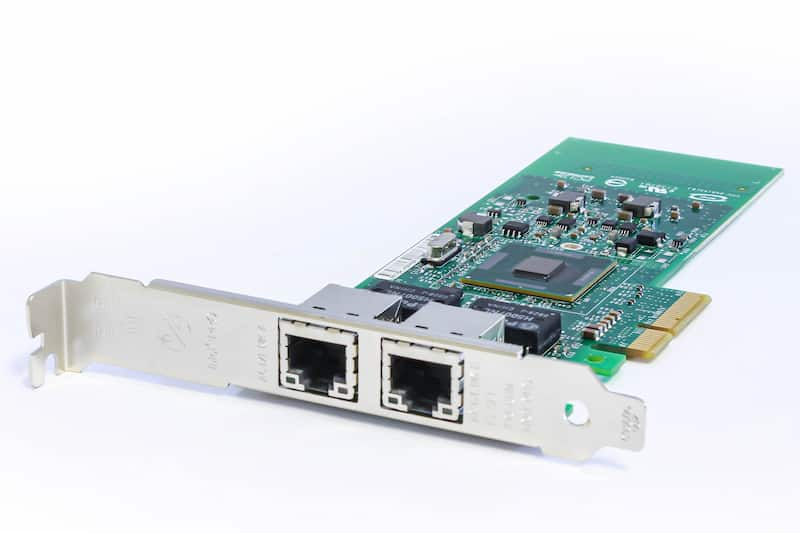
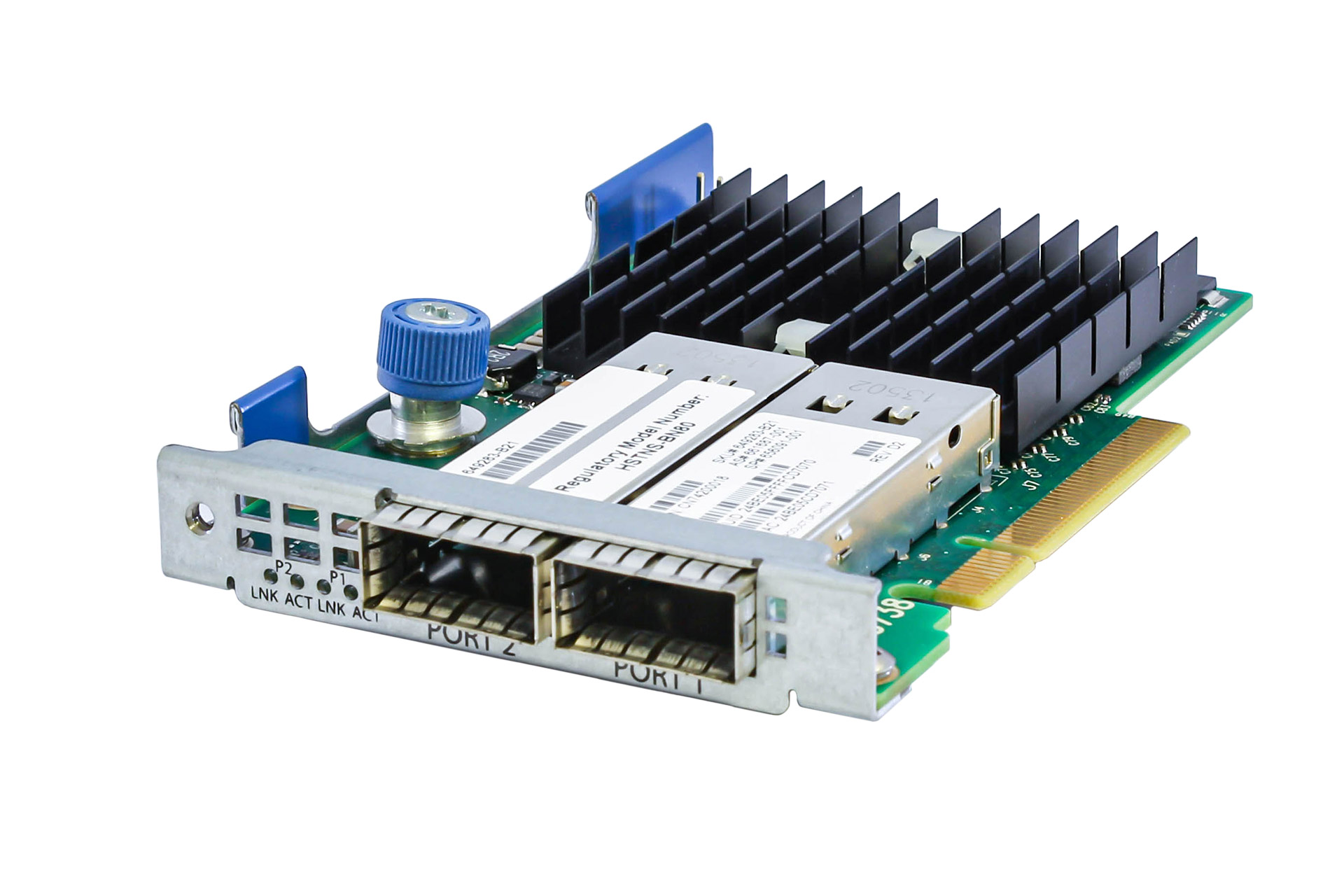
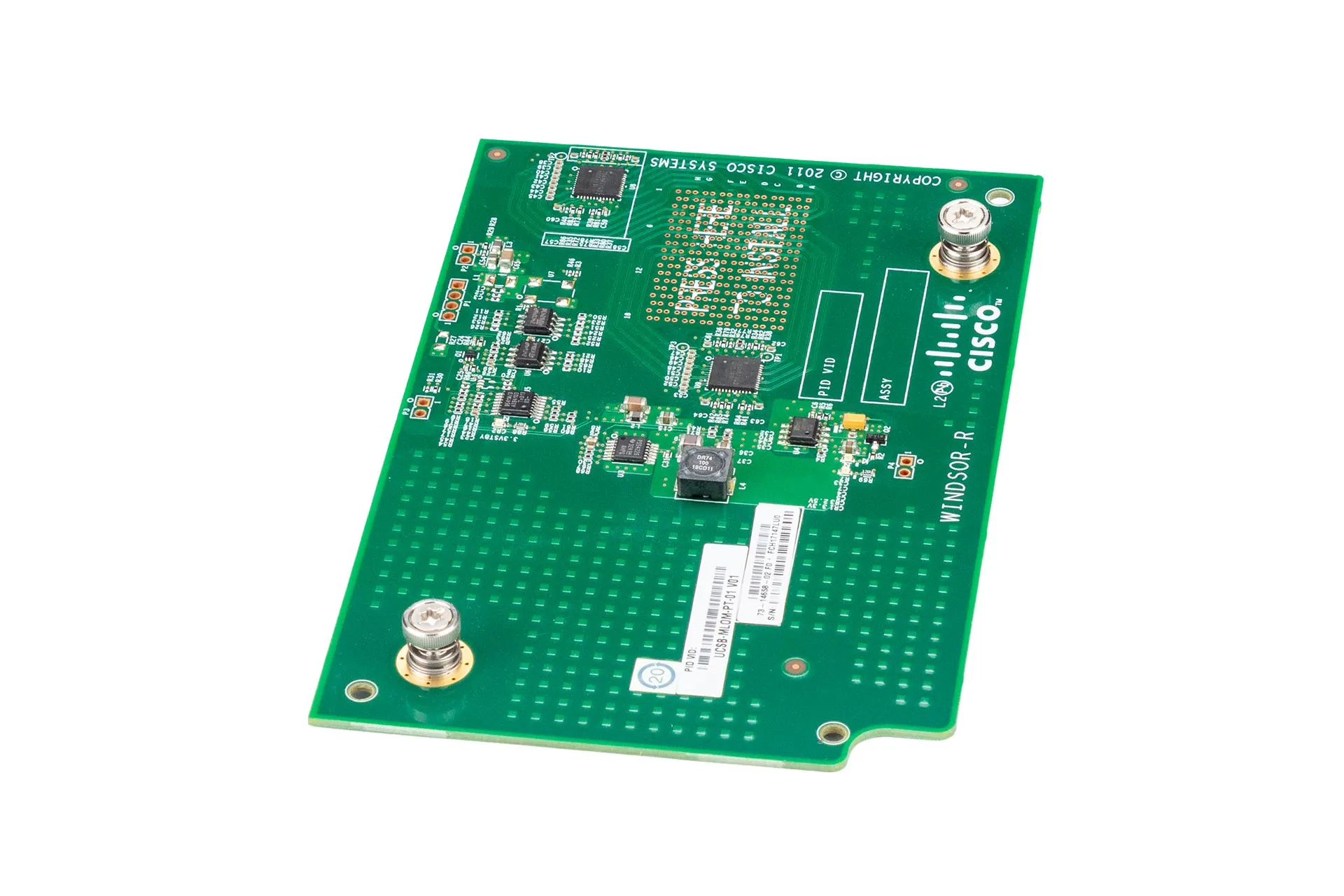
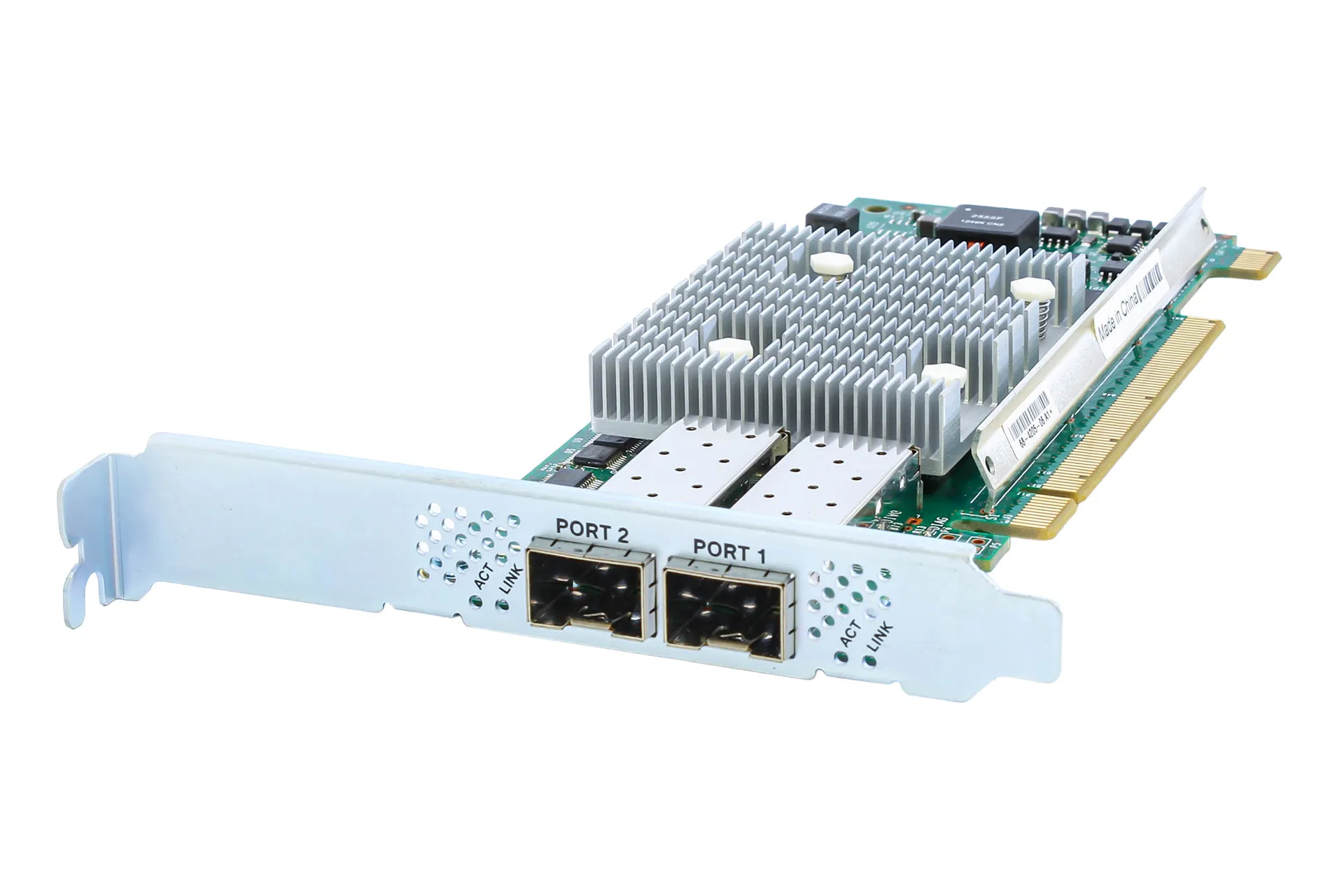
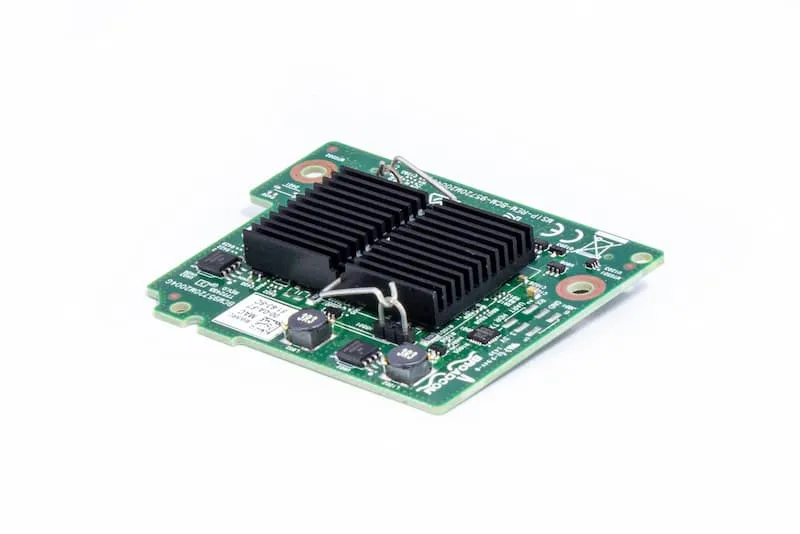
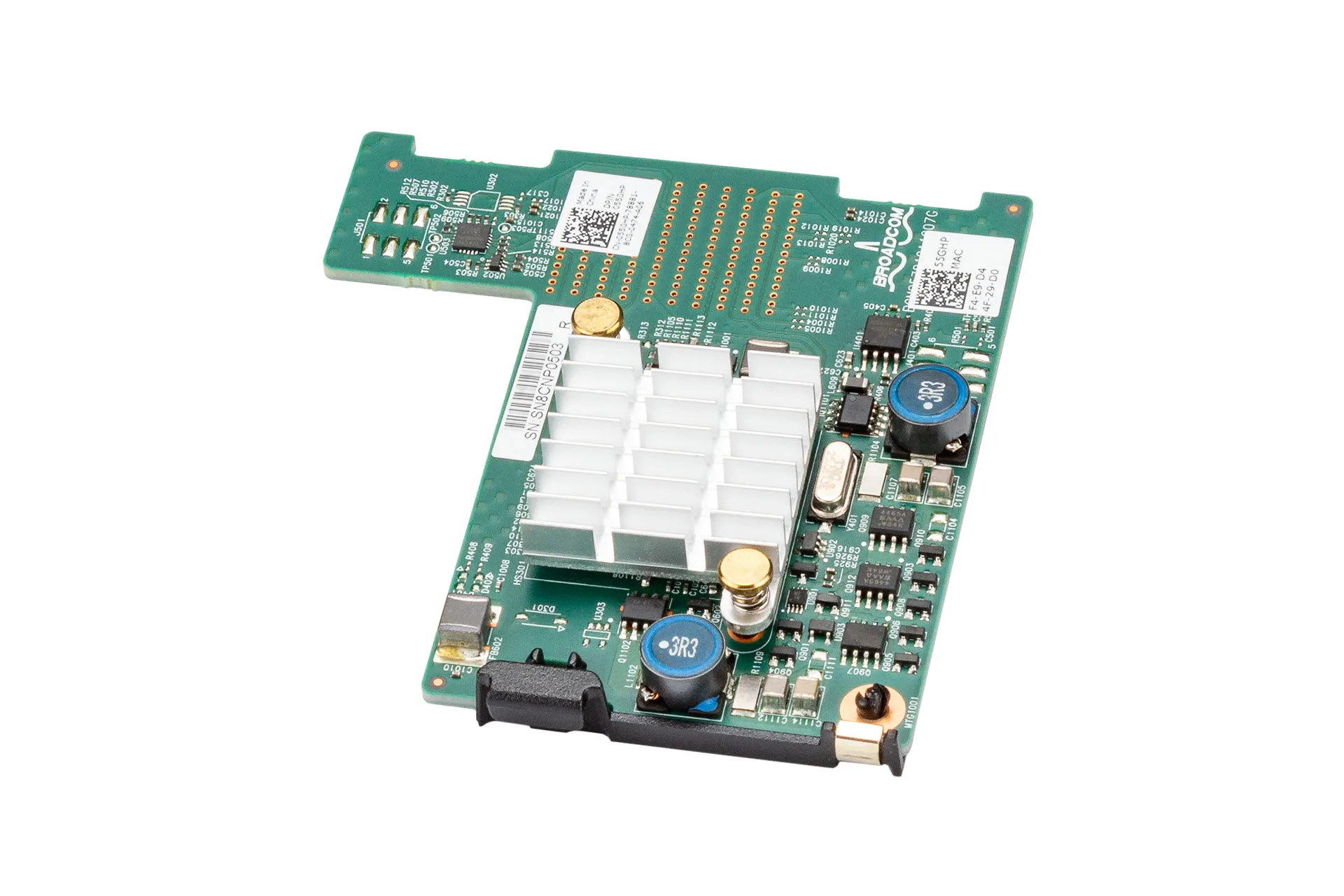
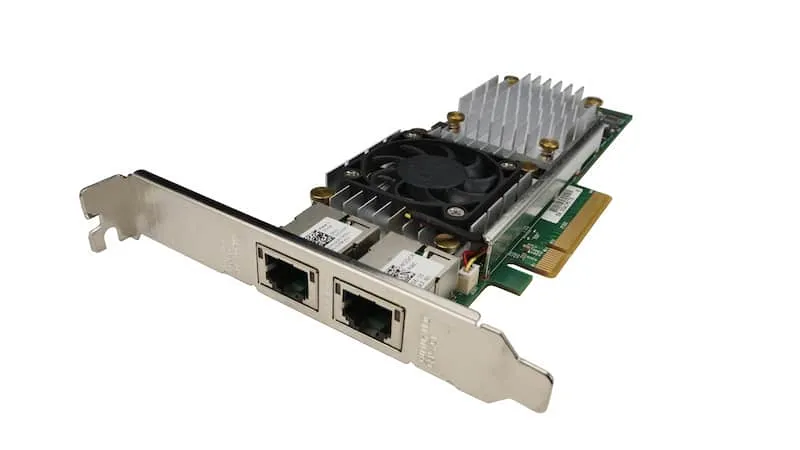
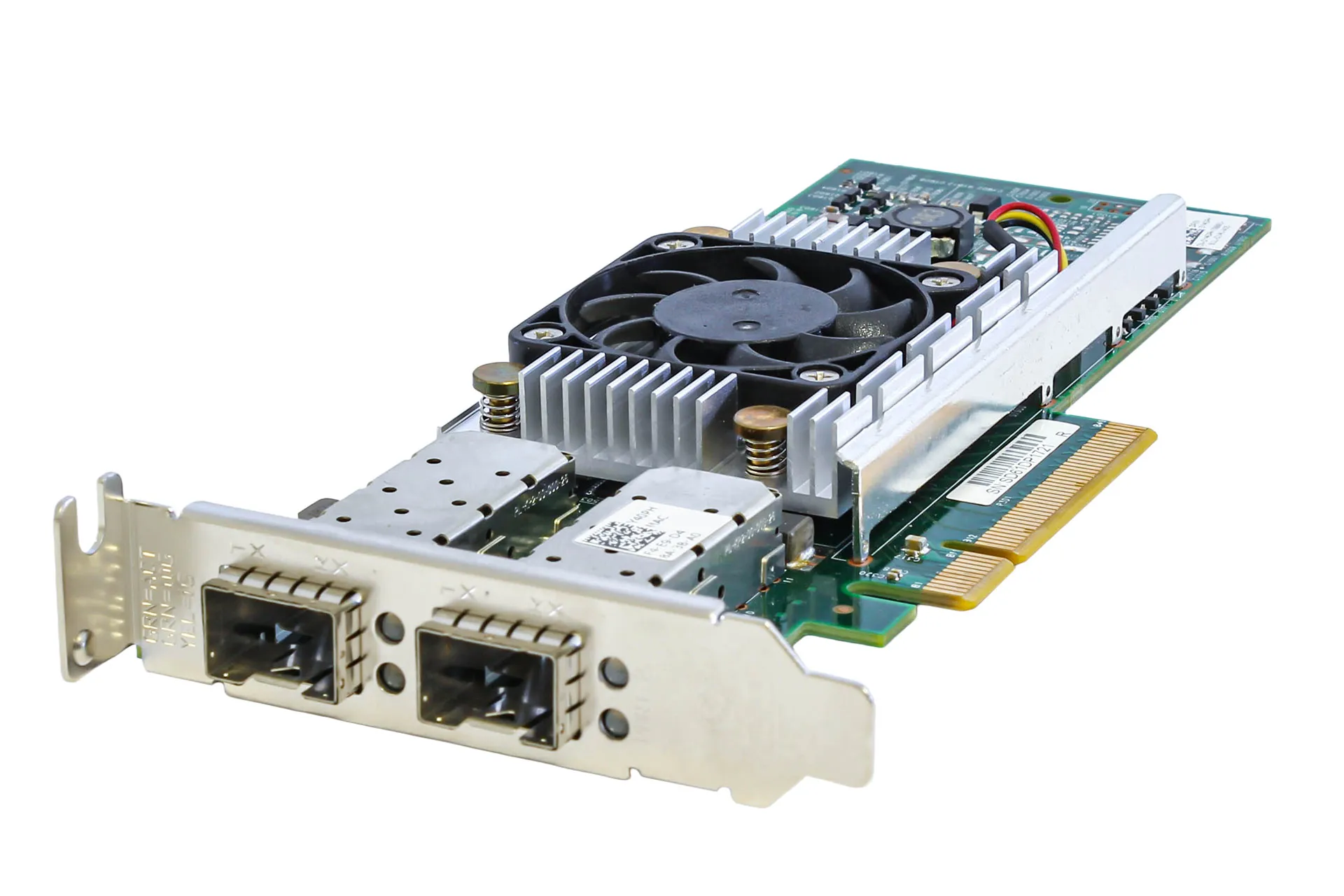
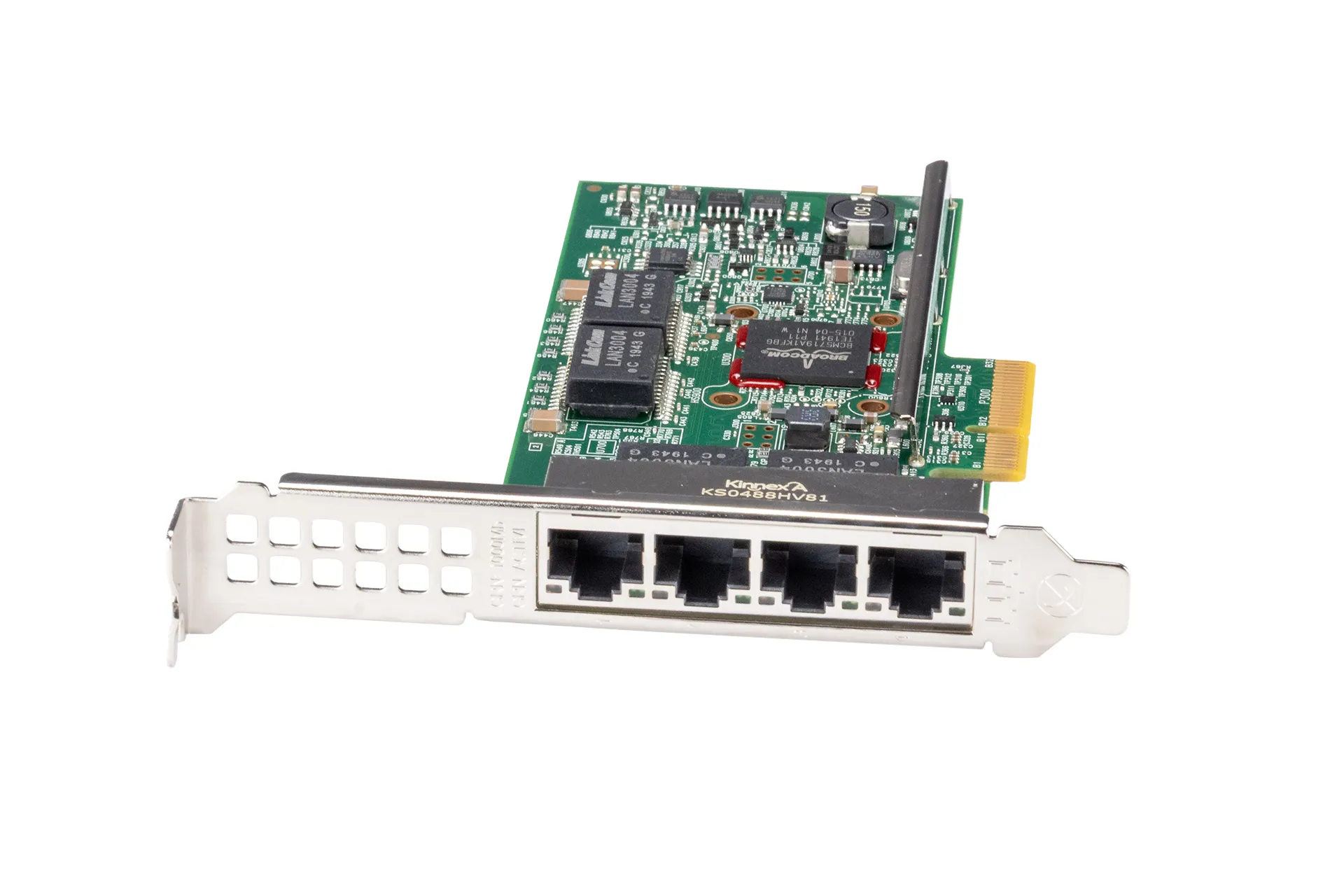
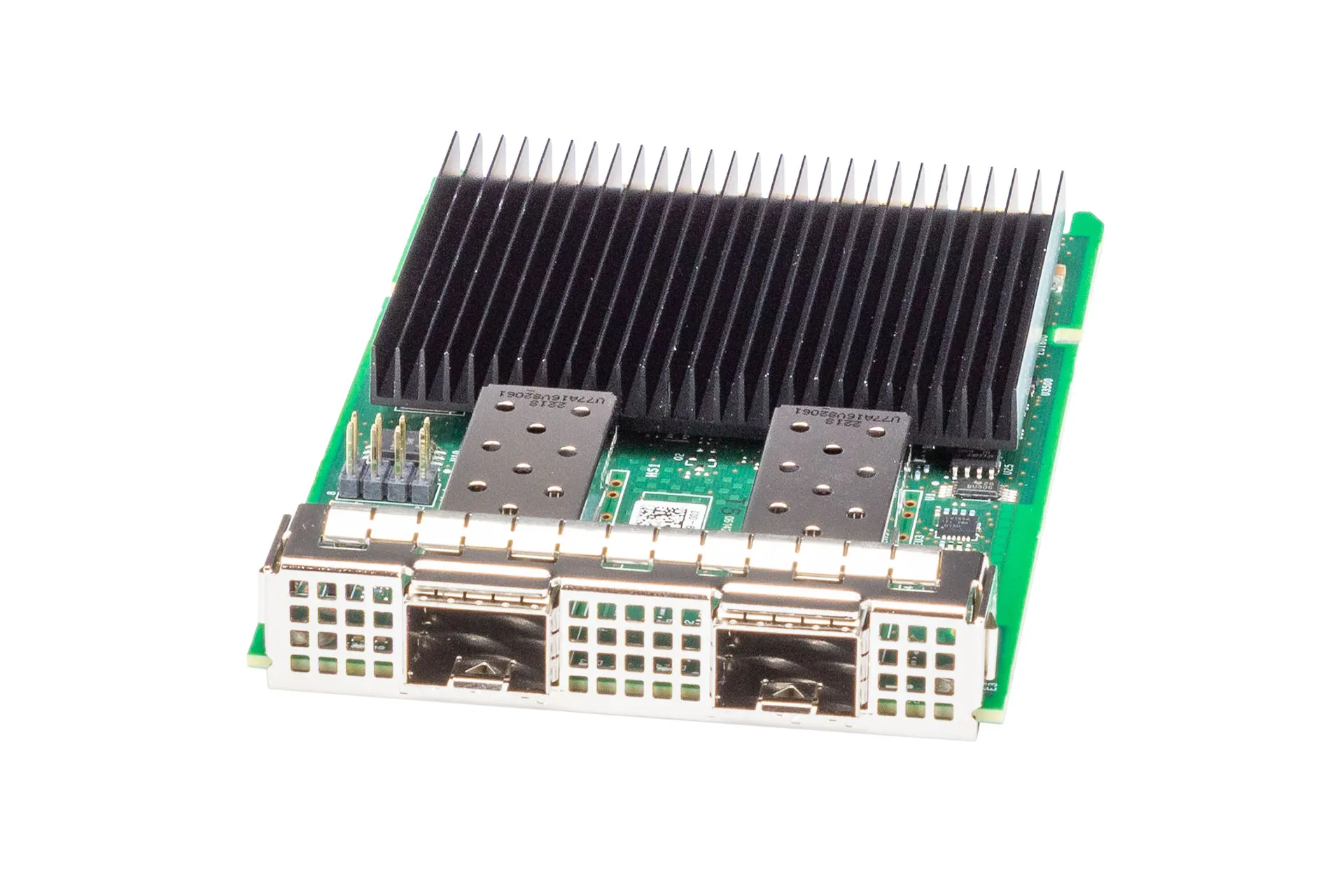
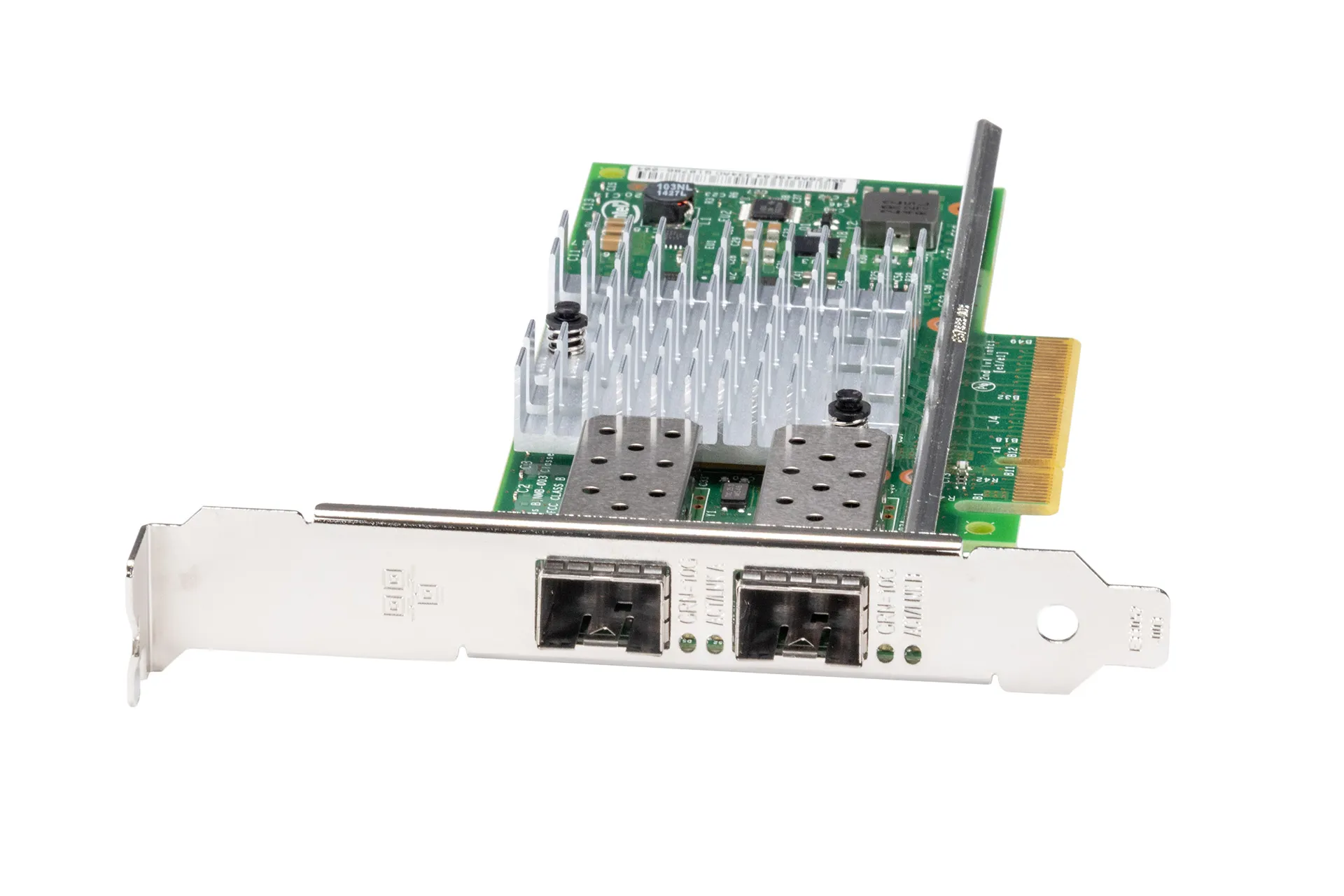
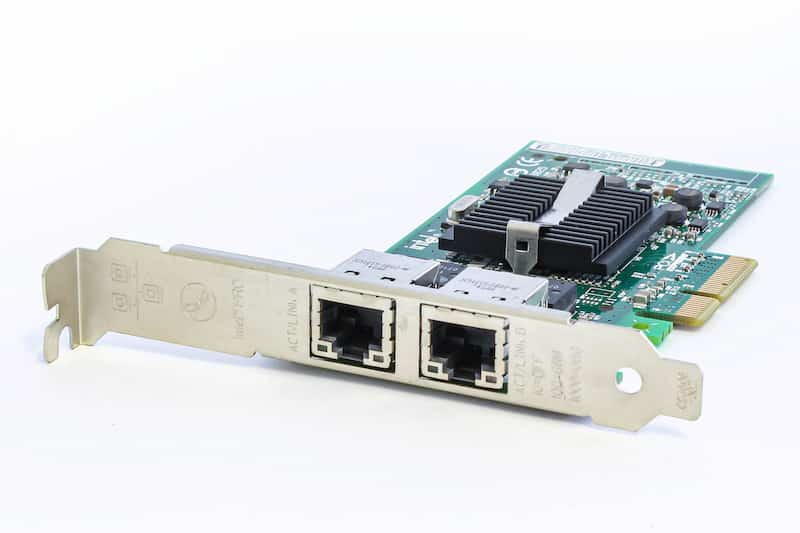
DELL (Intel) X520 10GbE Network Interface Card Ethernet Dual Port Mezzanine NIC

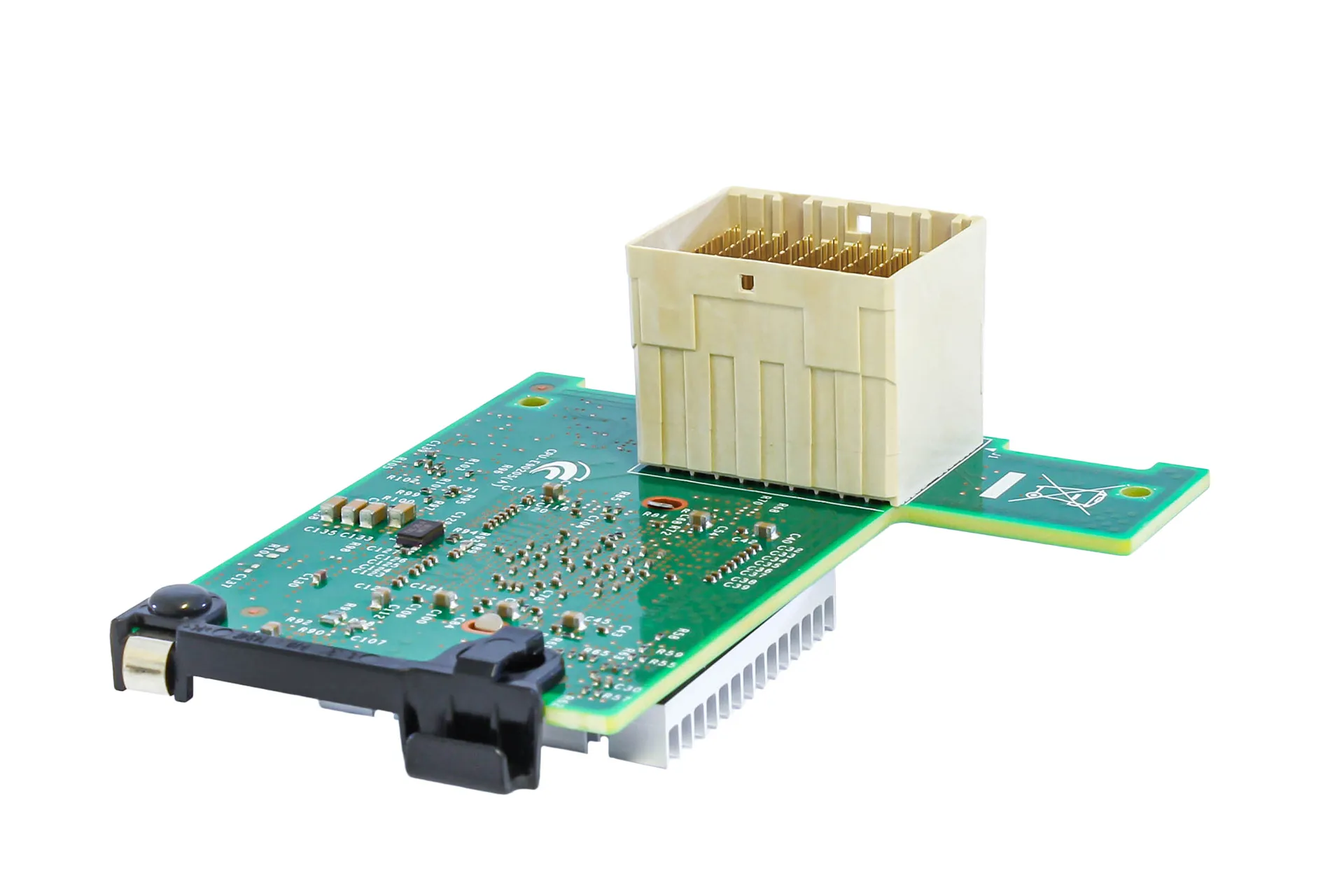
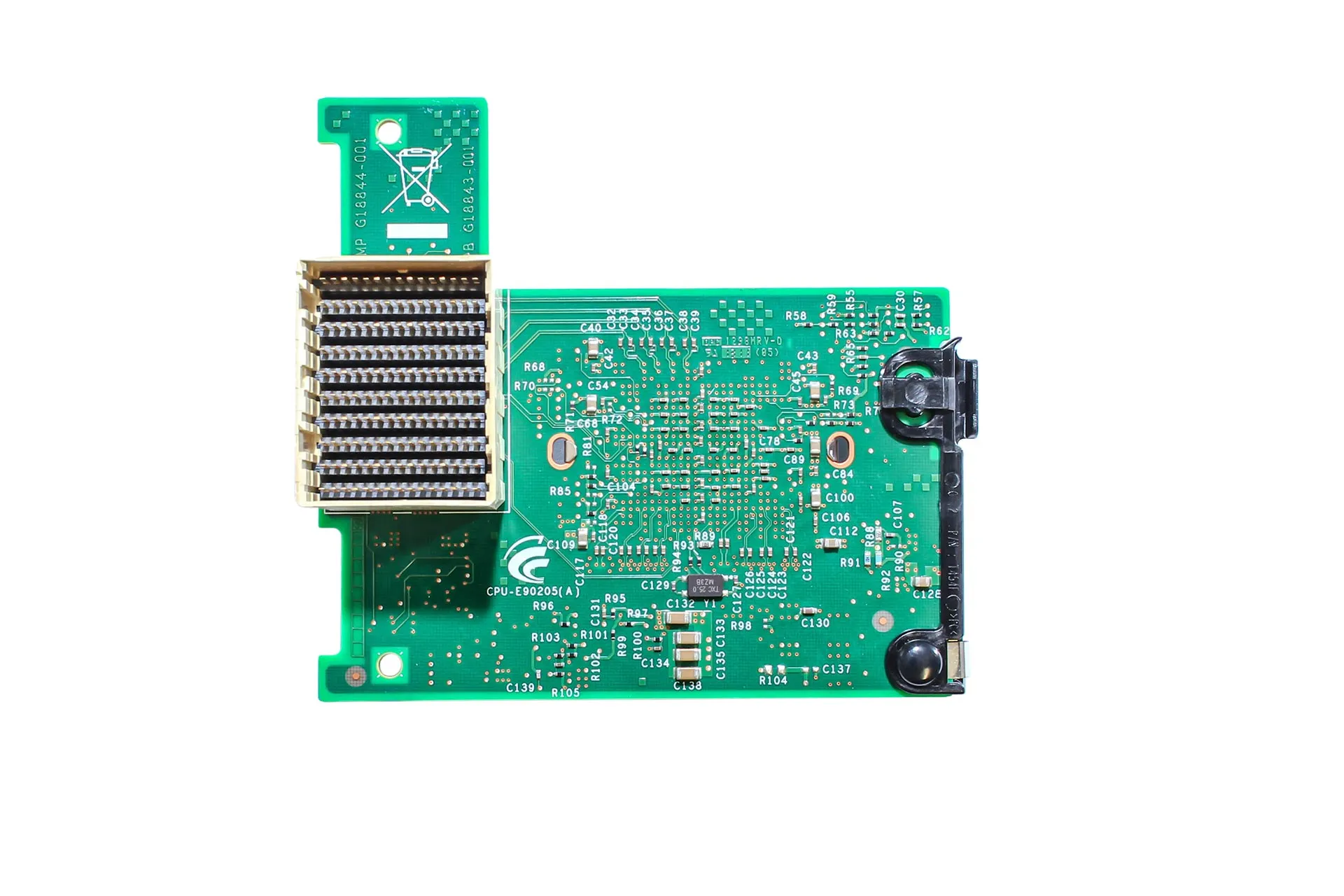


Dell Intel X520 Mezzanine Network Card – Dual Port 10GbE for Maximum Network Performance
The Dell Intel X520 Mezzanine Network Card with Dual Port 10GbE is the perfect choice for businesses looking to equip their server infrastructure with powerful and space-saving network technology. Designed for use in Dell blade server systems, this card offers reliable and fast data transfer – ideal for virtualised environments, storage applications and high-availability solutions.
Product features
- Device type: Mezzanine network card
- Model: Dell Intel X520 Dual Port 10GbE
- Ports: 2
- Form factor: Mezzanine
- Part numbers: 08F6NV, 8F6NV
- Compatible with, for example: DELL Poweredge M520, DELL Poweredge M610, DELL Poweredge M620, DELL Poweredge M630, DELL Poweredge M640, DELL Poweredge M820, DELL Poweredge M830 (if you have any questions about further compatibility, please feel free to contact us at any time)
Product highlights
| → | Dual-port 10GbE for parallel data streams and redundant network paths |
| → | Mezzanine design for space-saving integration |
| → | Excellent value for money |
| → | High-quality refurbished components |
| ✓ | If you are looking for performance and cost-effectiveness when expanding your IT infrastructure, used server components are a smart choice. Refurbished servers and server parts offer the same functionality as comparable new products – but at a fraction of the price. Refurbished components can be a cost-effective alternative, especially in virtualised environments and data-intensive workloads, without compromising on quality or reliability. This allows budgets to be used wisely, existing systems to be expanded in a targeted manner and resources to be conserved at the same time. |
| Manufacturer/Brand: | DELL |
|---|---|
| Manufacturer no: | 08F6NV |
| Weight: | 0.10 kg |
| Condition: | Used & refurbished |
| Formfactor PCI card: | Mezzanine |
| Host interface: | Mezzanine Card |
| Interface protocol: | Ethernet |
| Ports of PCI card: | Dual Port |
| Scope of delivery: | 1x Mezzanine card as described |
| Transfer rate PCI card: | 10 Gbit/s |
Dell
Name: Dell GmbH
Anschrift: Unterschweinstiege 10, 60549 Frankfurt am Main, Deutschland
E-Mail-Adresse: DE.CustomerSupport@dell.com
Telefonnummer: 069 - 9792 7350
Security adviceElectrostatic discharge (ESD):
Use an antistatic wristband or touch earthed metal surfaces to prevent damage from electrostatic discharge.
Protection against moisture:
Ensure that the network card and its connections are protected from moisture and spillages.
Temperature protection and ventilation:
Ensure that the air circulation in the housing is not obstructed to prevent overheating. Only operate the network card within the temperature ranges specified by the manufacturer to ensure optimum performance.
Cable management:
Connect the network cable securely and protect it from physical stress. Regular inspection for damage is required. Avoid sharp bends and kinks in the cable that could impair the signal quality. Use earthed and shielded cables to reduce electromagnetic interference.
Electrical safety:
Ensure that the computer and the network card are properly earthed to prevent electric shocks. Avoid touching uninsulated parts or connections during operation to prevent electric shocks. Use electrical surge suppression devices to prevent damage from lightning or electrical interference.
Cleaning and maintenance:
Maintenance work on network cards should only be carried out by trained specialists. Check the network card and the associated connections regularly for damage or loose connections.
Assembly and disassembly:
Follow the instructions in the user manual and avoid touching sensitive contacts. Switch off the system and disconnect the mains plug before installing or removing the network card. Ensure that the card is securely seated in its slot and that the screws are properly tightened to prevent loose connections. Avoid open connections or exposed circuits during installation. Ensure that all cables are properly connected and the card is securely fastened before switching the system back on.
Handling:
Do not apply excessive force to the card or the connectors. Only handle the card at the intended edges to avoid contact with sensitive components.
Working with lasers (optical interfaces):
Observe safety regulations for laser radiation for network cards with optical connections.
Statutory warranty
All goods are covered by the statutory warranty of at least two years under EU law.


Personal customer service
Fast & reliable
.svg "Zertifizierter Shop")
Certified shop
Trusted Shops
.svg "Garantieverlängerung")
Extended warranty
Up to 60 months possible
.svg "sichere Bezahlung")
Secure payment
with PayPal
Similar articles: