

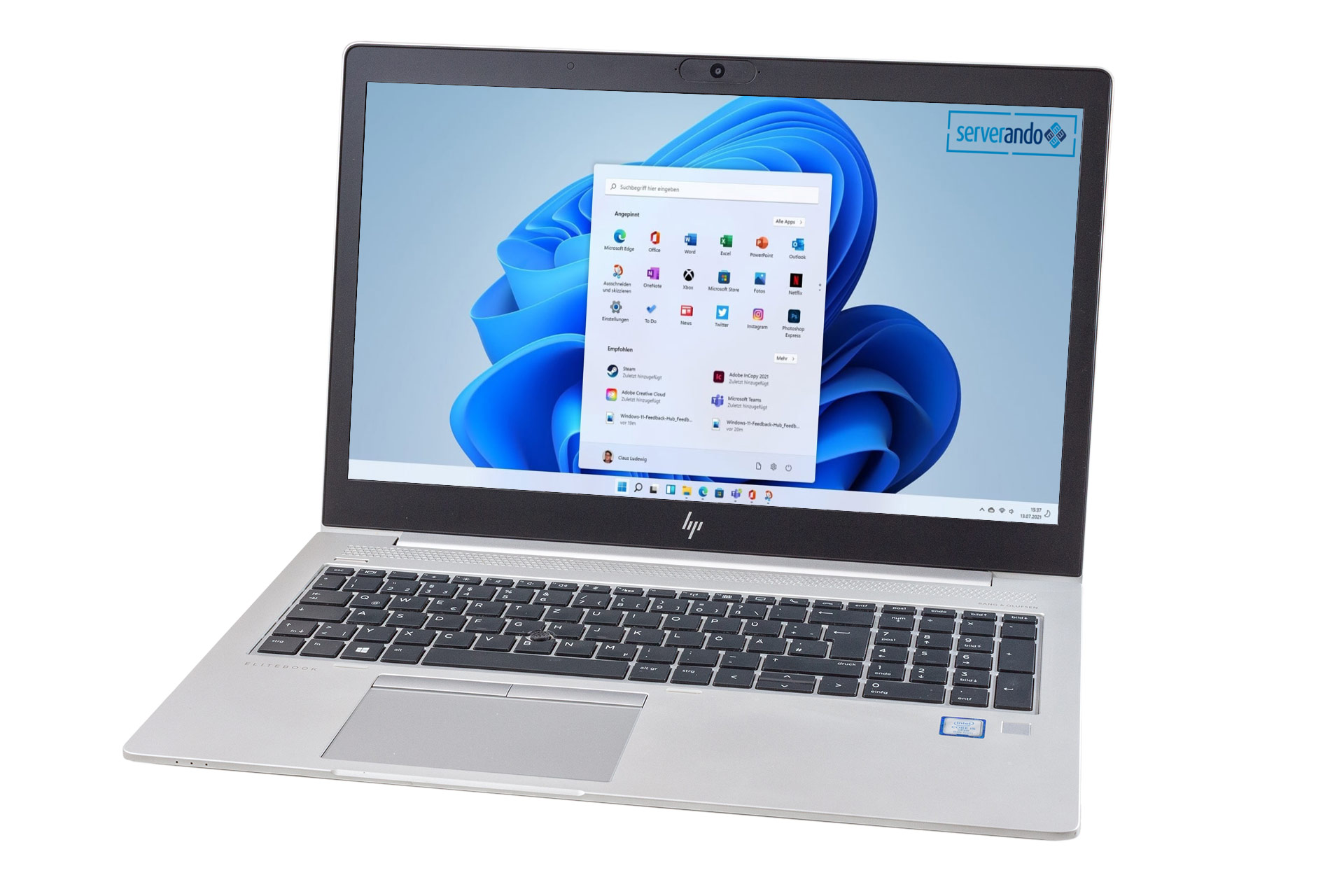
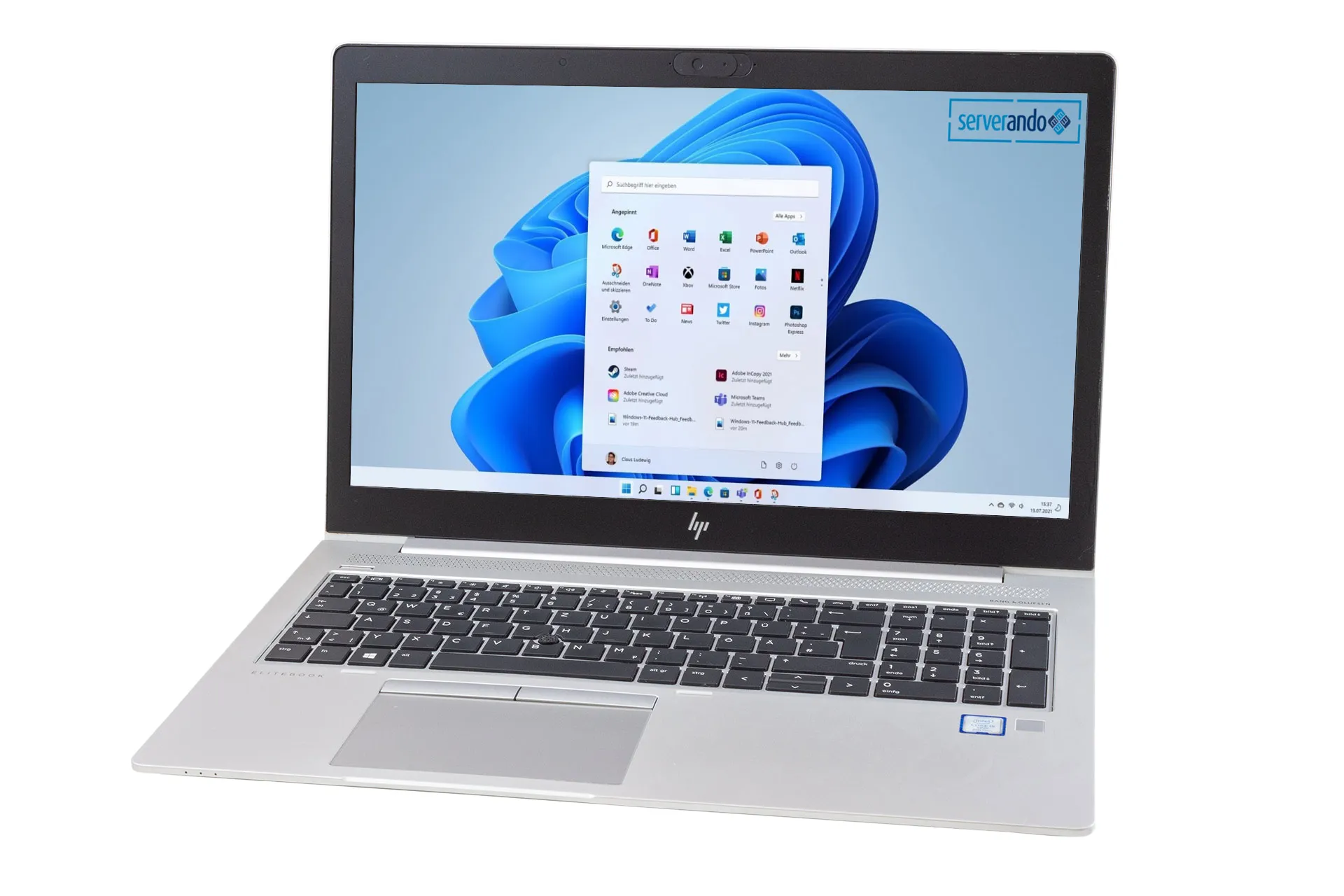
HP EliteBook 850 G7, i5-10210U 1.6GHz, 4 Core, 16GB PC4, 256GB SSD, 15.6 Inch, Win11Pro

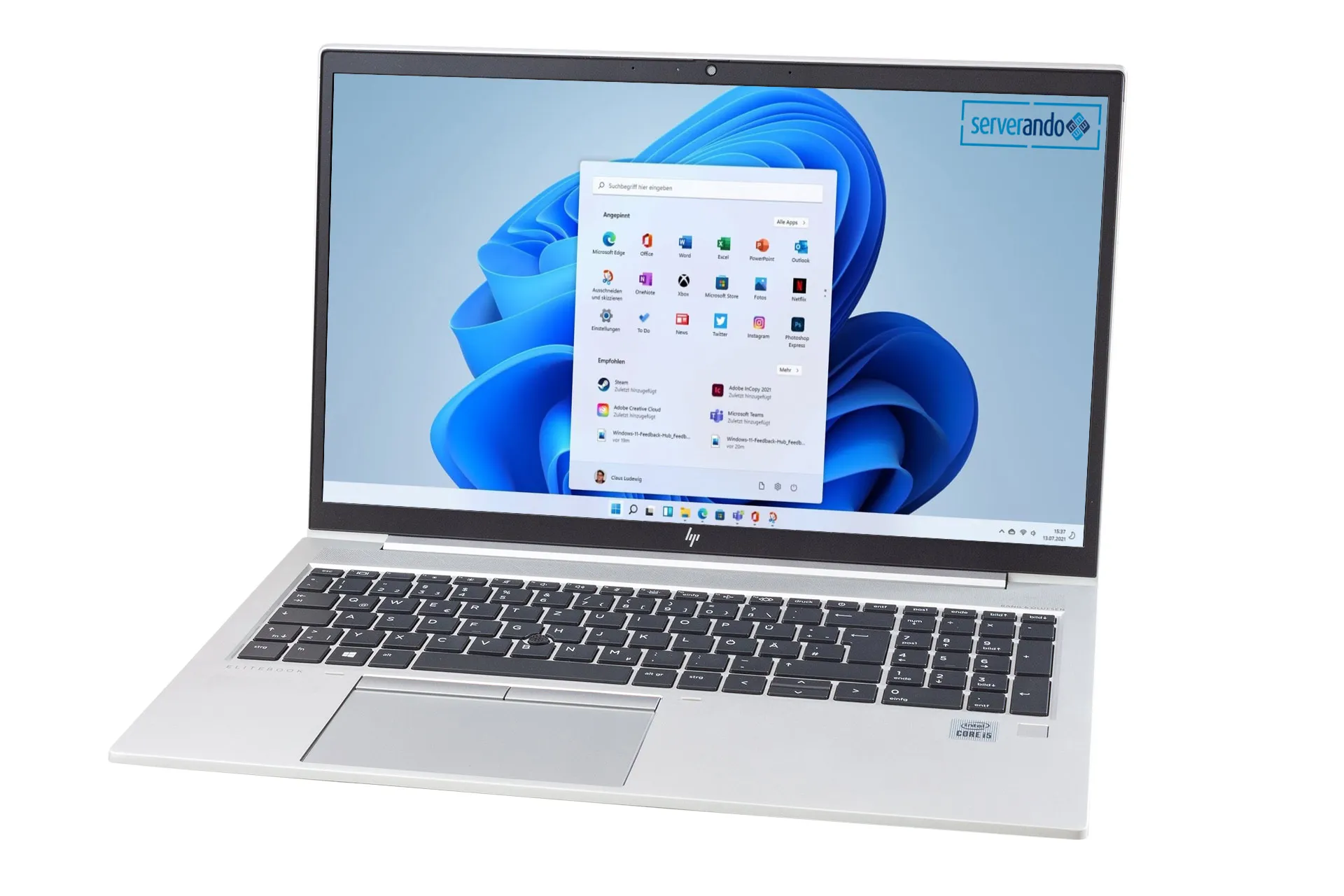
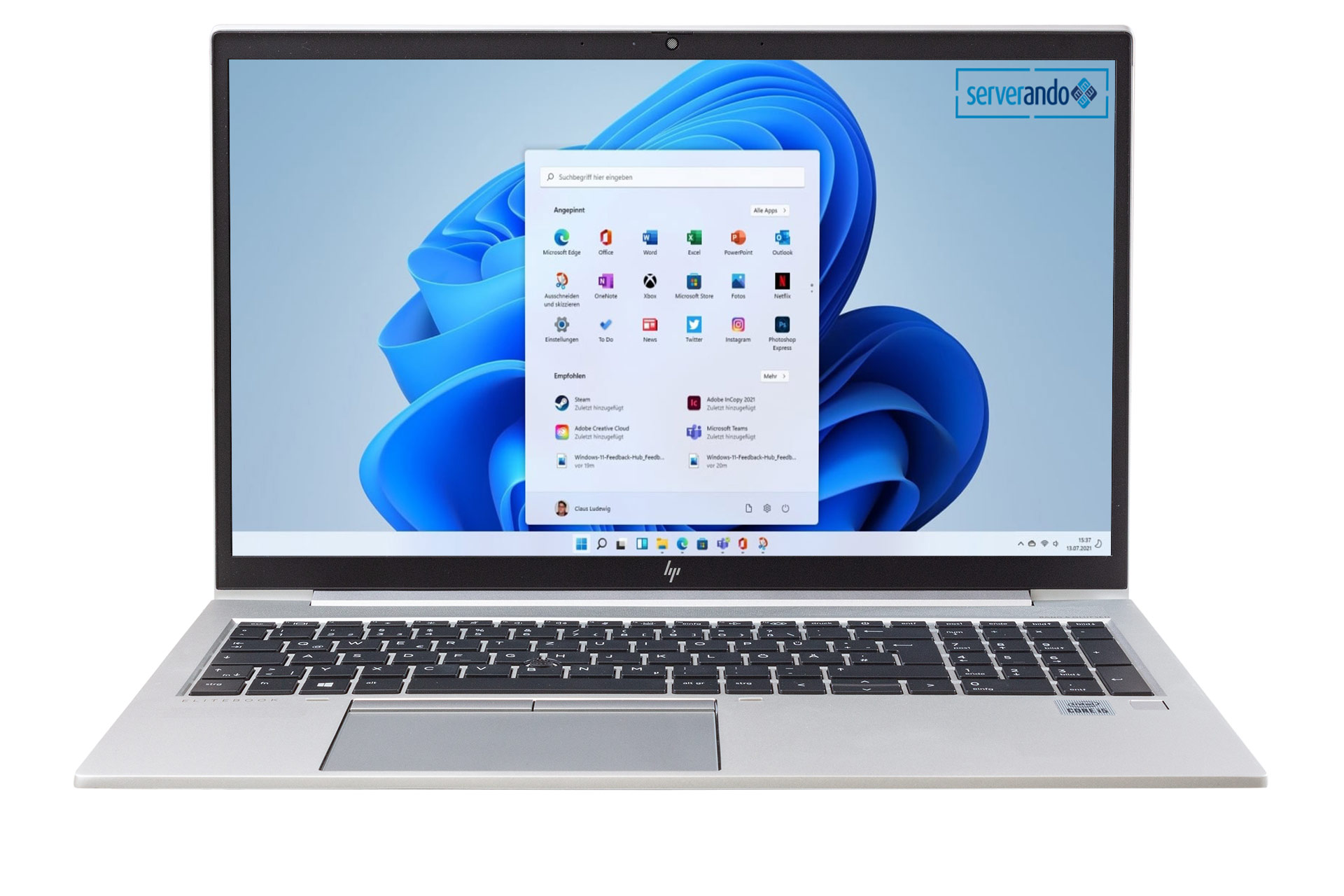


Powerful & versatile: the HP EliteBook 850 G7
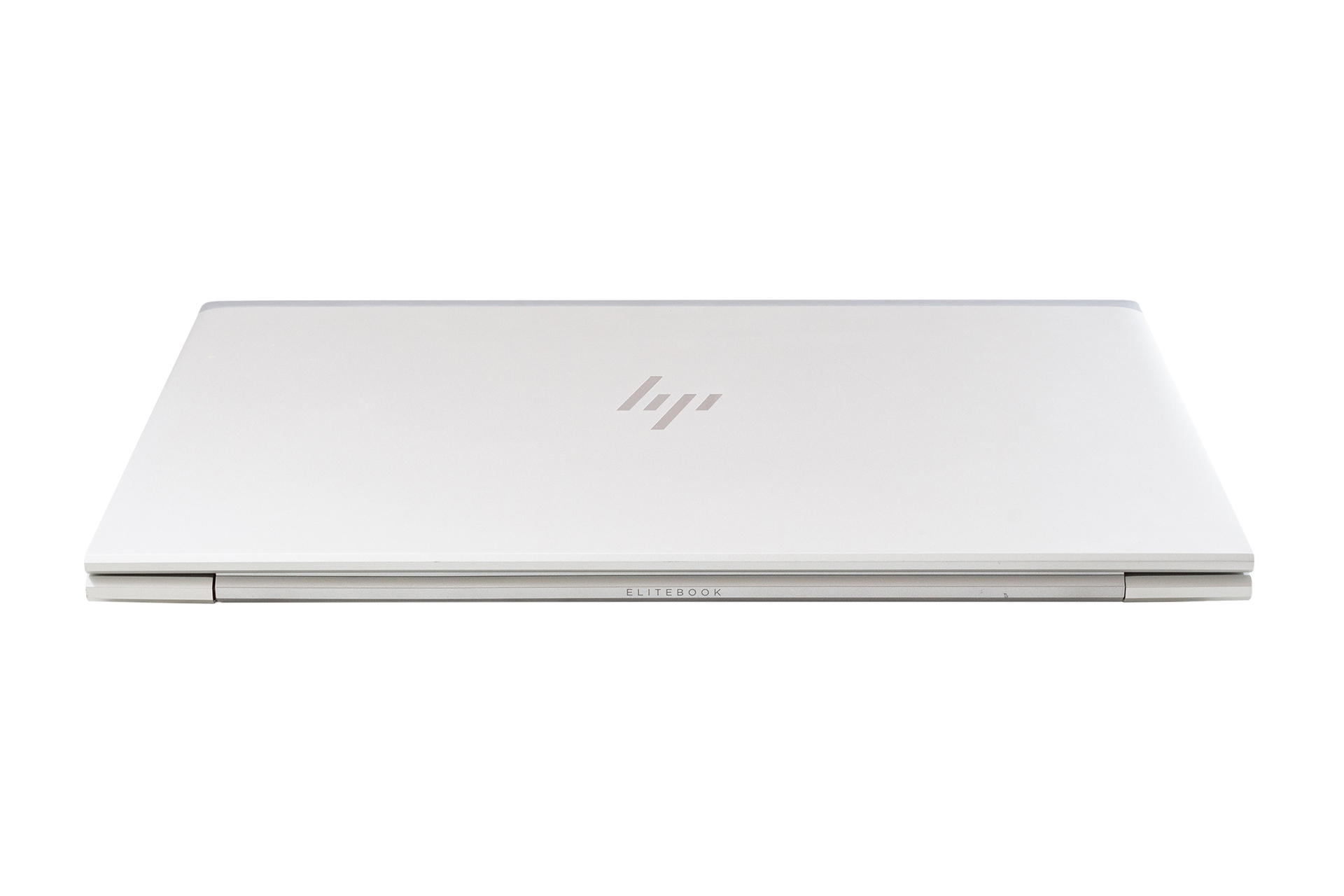
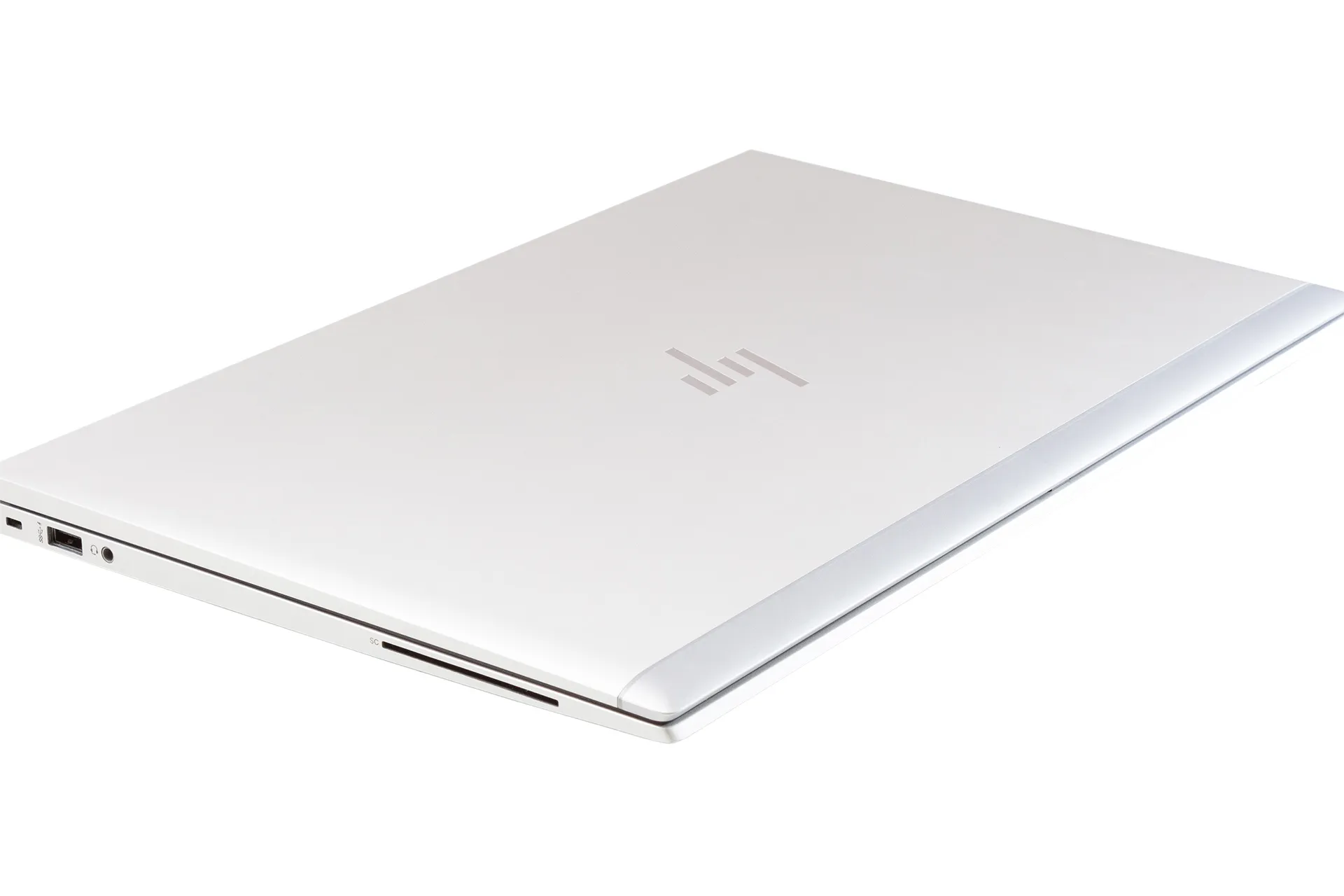
Are you looking to buy a notebook for everyday use? Flexibility is important to you and you often have to go to meetings or appointments and are looking for an elegant yet robust notebook? Are performance, reliability, durability and price savings particularly important to you? Then the HP EliteBook 850 G7 is the right choice for you. This laptop from HP has been specially developed for professional use and, thanks to its slim yet robust casing, can be used easily and conveniently in the office, home office or on the move.
Equipped with an Intel Core i5-10210U processor, 8 GB DDR4 memory and a 256 GB SSD, the notebook offers reliable performance - even with demanding applications or multitasking tasks. This guarantees smooth, productive work, even when several programmes are open at the same time. The SSD also enables fast system and programme start-ups and provides sufficient storage space for your important files. The 15.6-inch Full HD display delivers razor-sharp images and vivid colours - perfect for presentations, video conferences or editing documents.
Product highlights:
| → | High-quality business notebook from HP |
| → | Intel Core i5-10210U processor (10th generation, with 1.6 GHz and 4 cores) |
| → | 8 GB DDR4 memory |
| → | Fast read and write speed thanks to 256 GB SSD |
| → | High-resolution display with 15.6 inch (approx. 40 cm) and a resolution of 1920 × 1080 pixels (Full HD) |
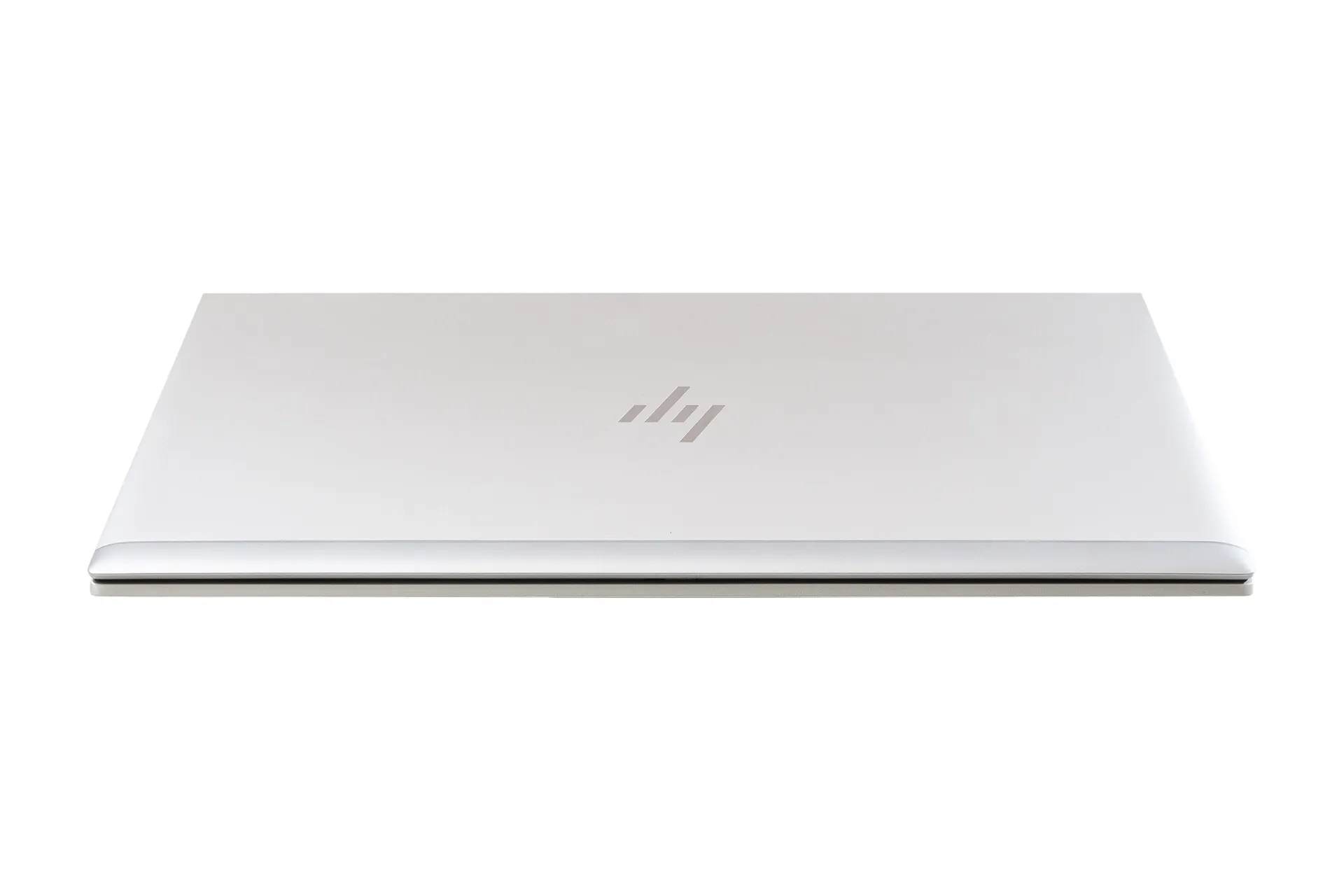
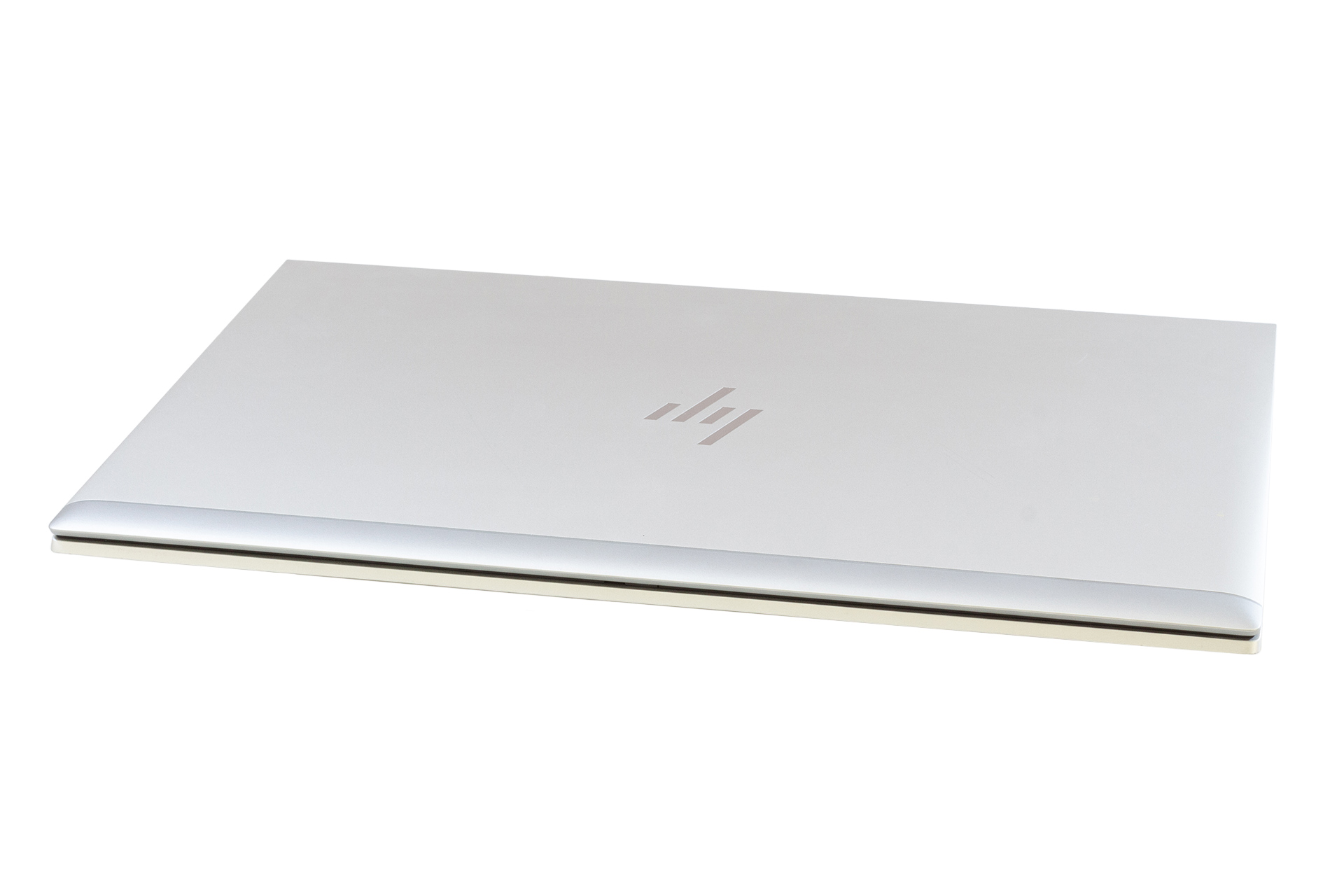
| → | Elegant and robust design - ideal for mobile use |
| → | Wide range of connection options for peripheral devices ensures optimum connectivity |
| → | Special features: Outstanding price-performance ratio, webcam, Bluetooth-capable, security features (e.g. fingerprint sensor, Kensington lock connection) |
| → | Expertly refurbished - already reliable in use, production errors excluded |
| → | Switch on and go - Microsoft Windows 11 Pro operating system already pre-installed (up-to-date, user-friendly and secure) |
| ✓ | Protect your wallet and the environment? This is possible if you opt for refurbished hardware. Our servers, notebooks, PCs and network devices have been carefully tested and refurbished so that you receive a flawless product. So why buy new when you can not only save money with refurbished business hardware from well-known manufacturers, but also act sustainably? See for yourself and opt for ‘Green IT’. |
| Manufacturer/Brand: | HP |
|---|---|
| Manufacturer no: | 10U45EA |
| Weight: | 2.02 kg |
| Bluetooth capable: | Yes |
| CPU cores: | 4-Core |
| CPU frequency: | 1.60 GHz |
| Condition: | Refurbished, A-Condition |
| Display resolution: | Full HD (1920x1080 pixel) |
| Graphics card: | Onboard |
| Internal hard drive: | 256GB SSD |
| Memory (RAM): | 16GB |
| Model: | EliteBook 850 G7 |
| Operating system: | Windows 11 Pro |
| Optical drive: | Without optical drive |
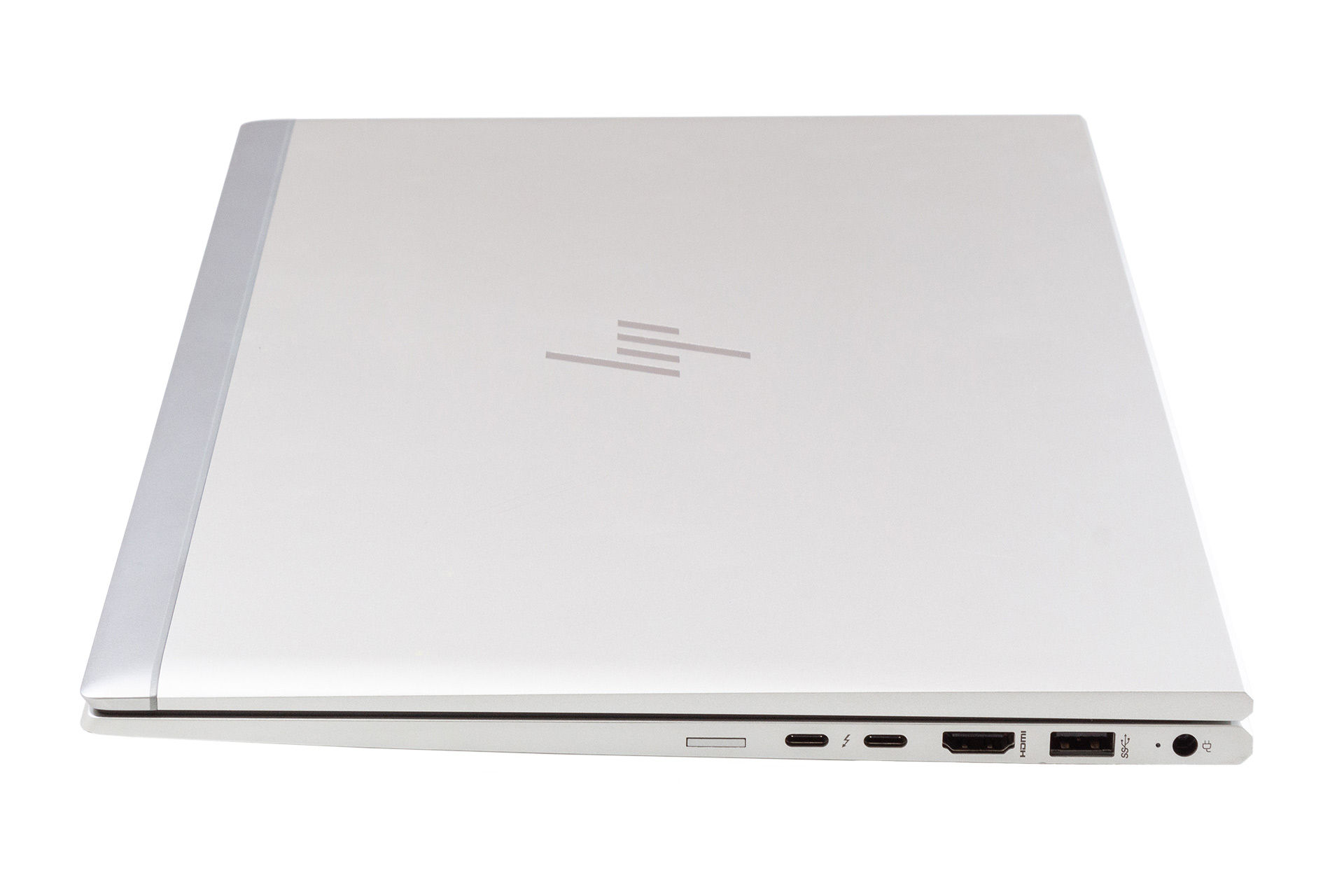
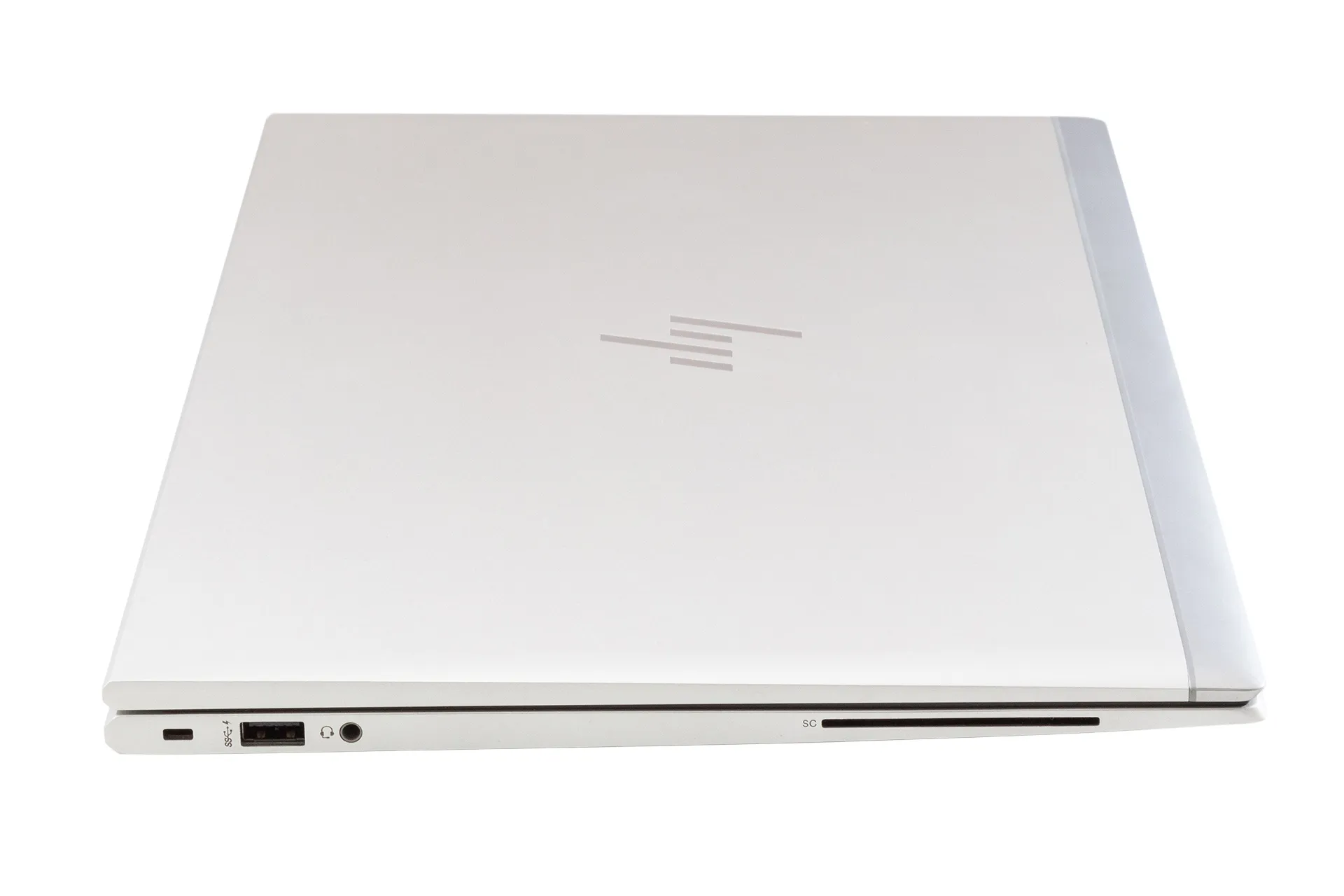
| Ports: | 1x Always-On USB 3.0, 1x HDMI, 1x Kensington-Lock Anschluss, 1x Simcard Slot, 1x Smartcard-Reader, 1x Thunderbolt, 1x USB 3.0 Type A, 1x USB Type C, Headphone jack |
| RAM generation: | DDR4 |
| Scope of delivery: | Notebook and power supply |
| Screen size: | 15.6 Inch (39.6cm) |
| Webcam existing: | Yes |
| WiFi capable: | Yes |
| CPU model: | Intel i5-10210U |
HP
Name: HP Deutschland GmbH
Anschrift: Herrenberger Straße 140, 71034 Böblingen, Deutschland
Telefon: 07031 - 450 7000
E-Mail-Adresse: firmen.kunden@hp.com
Security adviceElectrostatic discharge (ESD):
Touch earthed metal parts before installing components or cleaning to prevent damage from electrostatic discharge.
Protection against moisture:
Avoid operating in dusty, humid or extremely hot environments to prevent damage to the components.
Temperature protection and ventilation:
Ensure that the ventilation openings are not blocked to prevent overheating. Do not operate the notebook on soft surfaces such as cushions, which can obstruct the airflow.
Cable management:
Cables should be handled with care and laid in such a way that they are not kinked or crushed. Avoid tripping hazards.
Electrical safety:
Only use the power supply unit recommended by the manufacturer to avoid overheating or electrical damage.
Cleaning and maintenance:
Clean the notebook with a soft, slightly damp cloth and avoid aggressive cleaning agents. Remove dust from ventilation slots and the keyboard to extend the service life of the device.
Assembly and disassembly:
Avoid unauthorised modifications or repairs, as these may impair the safety of the appliance. Follow the specific manufacturer's instructions for all work.
Handling:
Place the notebook on a stable, flat surface to avoid drops or damage. Protect the display by opening and closing it carefully and not placing any heavy objects on it.
Battery safety:
Only use recommended or original batteries and power supply units to avoid the risk of explosion or fire. Old batteries must be disposed of in accordance with local regulations. Do not charge the battery unattended and protect the battery from direct sunlight and extreme heat.
Transport and storage:
Switch off the laptop and use a padded notebook bag or a suitable backpack to protect the device from knocks and scratches. Store the notebook at moderate temperatures and protect it from moisture.
Waste disposal:
Securely delete sensitive data (e.g. with data erasure software or physical destruction of the hard drive) before disposing of the notebook. Dispose of the device in accordance with local regulations for electronic devices.
Ergonomic use/health protection:
Use the laptop in an ergonomic position to minimise strain on your wrists, back and neck. Ensure that the underside of the laptop, the palm rest and the power adapter do not come into direct contact with your skin for too long during operation, as this can lead to skin irritation or burns.
Statutory warranty
All goods are covered by the statutory warranty of at least two years under EU law.


Personal customer service
Fast & reliable
.svg "Zertifizierter Shop")
Certified shop
Trusted Shops
.svg "Garantieverlängerung")
Extended warranty
Up to 60 months possible
.svg "sichere Bezahlung")
Secure payment
with PayPal
Ähnliche Artikel:


Available, delivery time 1-3 days

