50 tips for safe online Christmas shopping
Every year ... we're pretty careless when we're shopping online for presents for our loved ones, aren't we? Especially in the run-up to Christmas, it's not just bargain hunters but also cyber criminals who find themselves in front of their computers. We should be particularly careful with popular gifts such as a new Playstation, coffee machines or tech gadgets if the price seems very low or the site seems a little dubious. To make you more aware of this issue, we have put together 50 tips to help you shop safely online this Christmas.
Internet connection & browser
Tip #1: Public computers
Shop from home rather than on the go.If you are on a public PC or notebook or in an internet café and you really want the bargain straight away, don't save any access data or passwords on the device.In general, you should avoid making purchases on other people's devices.
Tip #2: Up-to-date software & updates
Keep the software on your devices up to date and carry out regular updates. Make sure that your operating system and apps are always up to date.
Tip #3: Official apps
Do you rely on shops whose offers and discount codes can be redeemed via an app? Approach this with a certain degree of scepticism, preferably only use apps from well-known or trustworthy brands and only download them from official stores.
Tip #4: Use a VPN
Are you surfing from a public network? Then be sure to use a VPN tunnel to protect your data.
Tip #5: Security software & browser protection
Use security software (e.g. antivirus programme) and activate the security functions of your browser when surfing.
Tip #6: Public WLAN networks
Ideally, avoid not only other people's devices but also public Wi-Fi networks when shopping online.

Websites & ordering process
Tip #7: HTTPS
Make sure that the URL of the shop begins with https:// - the ‘lock’ at the beginning of the browser line indicates a secure connection.
Tip #8: Well-known websites
Use well-known online shops and buy from established companies rather than unknown ones.
Tip #9: Reviews
Would you still prefer to order from a ‘new’ shop?Then check which company is behind it and whether it already has reviews on portals such as ‘Trusted Shops’ or search for Google ratings, customer reviews or testimonials on the Internet before you buy.
Tip #10: Fake websites
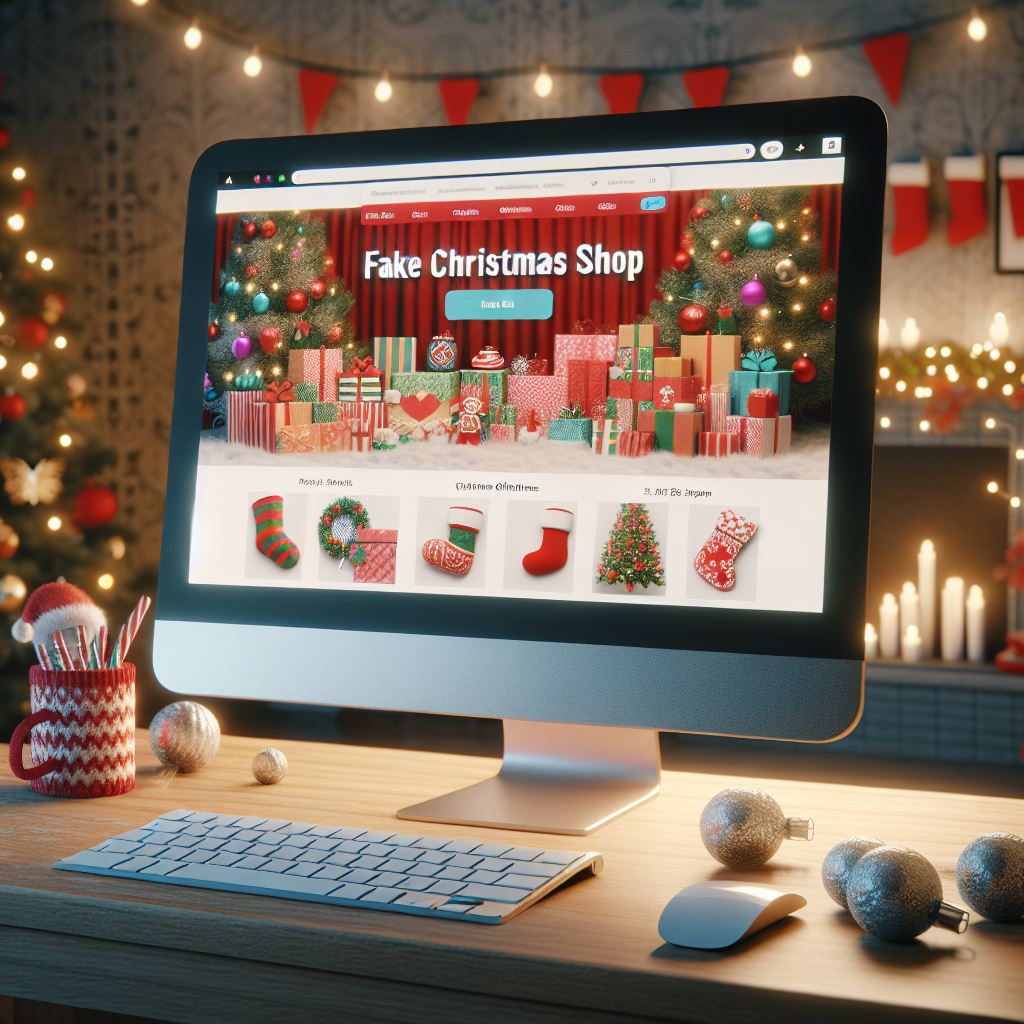
Look twice at your favourite shop or well-known shops:Is the brand or site name really spelt exactly the same? Especially in the ‘high season’ of online shopping, fraudsters are always trying to imitate real shops and offers.



Log-in & passwords
Tip #11: Secure passwords
Passwords like ‘1234’ or ‘password’ are really not good options if you want to protect your accounts. Use complex access codes, password phrases or a password manager to protect your data. We have summarised more information on how to create a secure password in our blog post: ‘At least 8 characters, 1x capital letter & 1x special character’.
Tip #12: Different passwords per account
Just as important as a secure password is that you use a separate password for each account.Otherwise, if someone cracks the password for one account, they will also have the login details for all other accounts. Also change your passwords at regular intervals.
Tip #13: Two-factor authentication
It is even better if you activate two-factor authentication - this means, for example, that payment must be confirmed not only by entering a password, but also by text message or phone call.An important additional protection for your accounts.
Tip #14: Data protection guidelines
Yes, a tiresome topic - especially in the ‘shopping frenzy’, the majority of us probably tend to simply click on ‘read’ or ‘accept’ without even having clicked on the guidelines. But we shouldn't do that - read through the information so that you know how and for what your data can be used.
Tip #15: Only provide necessary information
Don't fall into the data trap, but only provide information that is necessary for the purchase.
Advertising
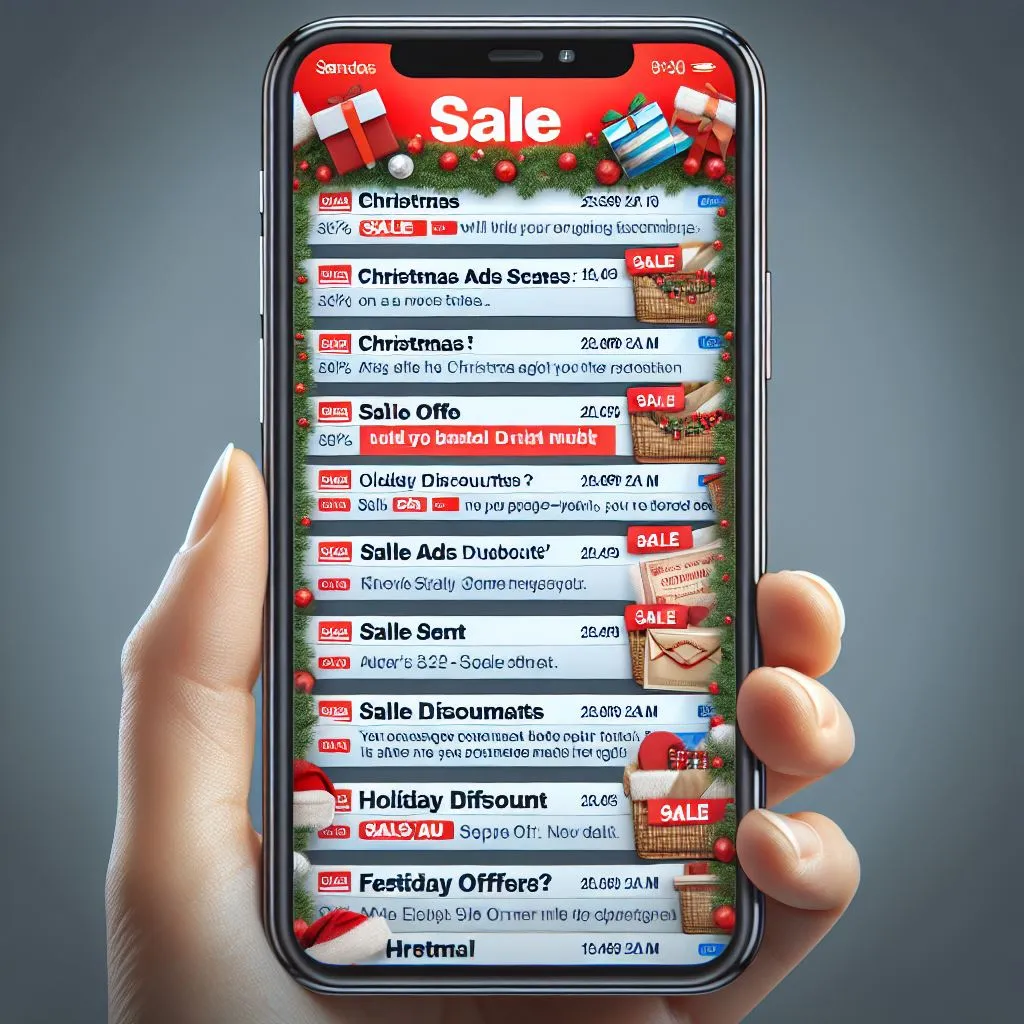
Tip #16: Email offers
Have you received a great bargain offer by email? Then you should first ask yourself where the sender got your details from. If it's not a well-known shop that you've ordered from before, it's probably a fake offer.
Tip #17: Phishing emails
You should still be very careful even with senders you know. Never click on links just like that - even if, for example, ‘Up to 50% discount’ is offered, you should always show a certain amount of suspicion. It's better to log into the shop you trust in the ‘normal’ way and check whether this offer really exists.
Tip #18: Reliability
Remember, reputable online shops would never launch promotions where you first have to enter your bank details or similar to receive a discount code. It is most likely a fake shop or a fraudulent email designed to steal your data.
Tip #19: Social media
You have probably come across adverts on Instagram or Facebook. Please don't click on adverts that lead to unknown shops or seem ‘too good to be true’.
Tip #20: Follower trap
Don't follow sites that don't seem trustworthy to you either, but only official sites. If the shop offers deals or discounts if you share certain content or provide personal details, it is almost certainly a fake shop - or at least an extremely dubious provider that you should not buy from. Also click through your social media followers - are they ‘real’ profiles or bots?
Discounts & promotions
Tip #21: Extreme reductions
If it sounds too good to be true, it probably is.Compare the prices: If a new mobile phone is sold everywhere at around €1,500 - why would exactly one shop offer it for €900? Retailers also run their business because they have to earn their money. ‘Benefactors’ before the holidays are rather rare 😉
Tip #22: Discount codes
Use popular sites to find out about discount codes, check directly in the shop (e.g. via banner ads or special pages) to see if a discount is currently being offered, or check with your favourite influencers, podcasters and YouTubers to see if they offer a discount code for your favourite shop. Don't just click on discount codes and links from unknown sites to get an offer.

Order process
Tip #23: Check your order
Always check all details before finalising your payment.A price may have changed, the discount code may not apply or you may have been tricked and the price mentioned was only an instalment.
Tip #24: Provide telephone numbers
Do you have to provide a telephone number for your chosen shop for no apparent reason?Mandatory information is often incorrect from a data protection perspective. This may be an attempt to obtain personal information. If the information is not obvious to you, it is better to cancel the order.Quick info: If something is sent by a shipping company, it is often necessary to provide a mobile or telephone number, as they have to meet you in person.
Tip #25: Keep the order confirmation
Take a screenshot of the offer and the order confirmation to be on the safe side. Also keep all emails you receive from the seller. This way, you have something to hand in case, for example, no delivery is made.
Tip #26: Tracking options
Use tracking options - if your order is ‘stuck’ somewhere for too long or nothing arrives after the first status update, it may not have been dispatched. Contact the seller immediately if you notice anything here.
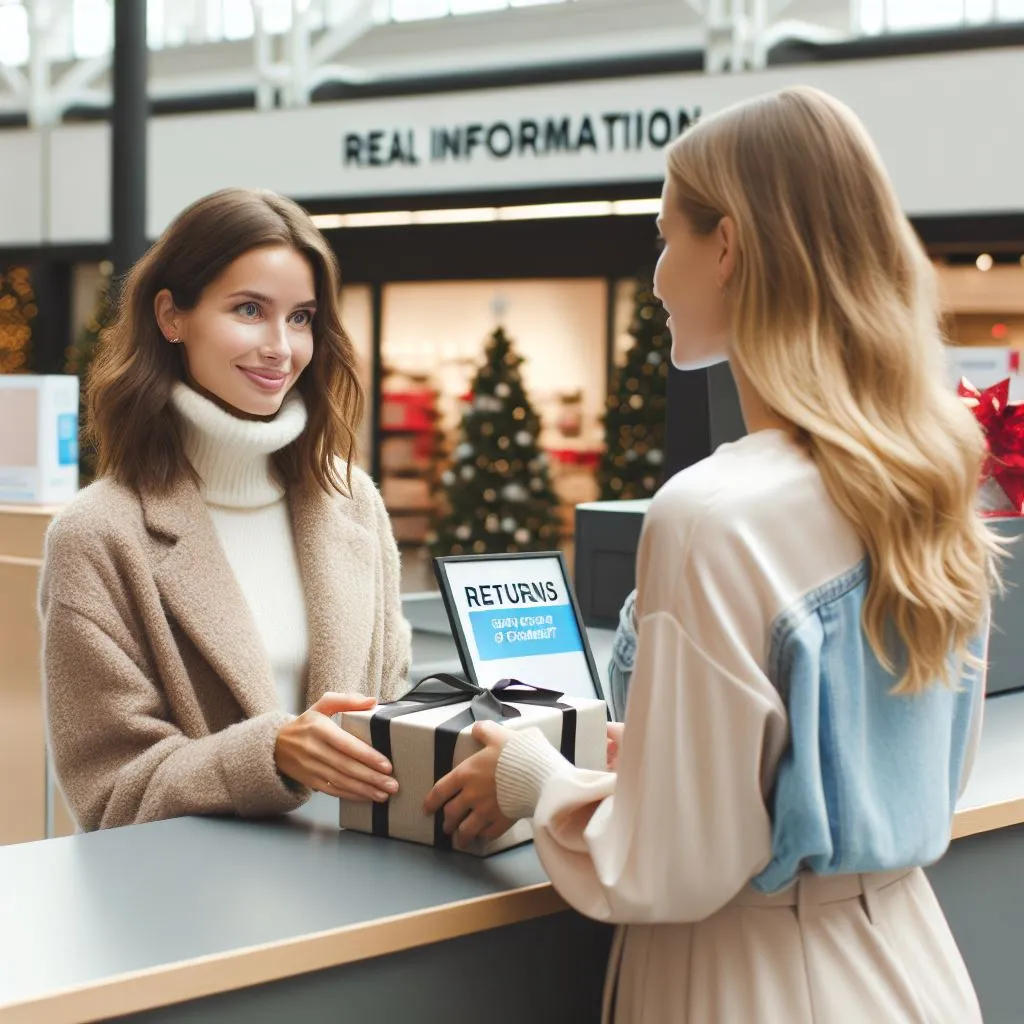
Tip #27: Return policy
Check the shop's returns policy and find out about return rights.
Tip #28: Guarantee
Clarify which guarantees apply to the selected products. With reputable suppliers (and high-quality products), an extended warranty, such as the one we offer, can also be useful.
Payment process
Tip #29: Secure payment methods
Use secure payment methods such as the payment provider PayPal, Klarna or pay by credit card. In many cases, you have buyer protection to help you if something goes wrong.
Tip #30: Direct debit instead of bank transfer
You should only pay by bank transfer with well-known and highly rated shops. If you want to pay by bank transfer, it is better to use the direct debit procedure - as this is more secure than a bank transfer thanks to the SEPA mandate. It is easier to trace and, unlike a bank transfer, can be cancelled again.
Tip #31: Check direct debits
In any case, you should still keep an eye on your direct debits - regularly check your accounts with your trusted payment provider and your bank statements. Do you notice any ‘suspicious’ direct debits? Then inform your customer advisor immediately to stop them.
Post-purchase behaviour
Tip #32: Keep the packaging
Still not sure whether you want to keep the order?Then be sure to keep the original packaging of the item as well as the packaging from the retailer. This way you can be sure that you can pack everything safely again if you need to return it.
Tip #33: Keep receipts
Handle your online invoices in the same way as your physical invoices:Keep everything (e.g. in an extra folder or online folder/mail folder) until the guarantee/warranty expires and you can be sure that you no longer need the receipt.
Tip #34: Delete cookies
Keep your browser clean by regularly deleting your cookies to avoid tracking.
Tip #35: Report & report fraud
Have you fallen into a trap? Then take all possible steps immediately to minimise the damage. This means: If your PC has been hacked, disconnect it from the internet immediately and run a virus scan.Has your email account been hacked? Then set up two-factor authentication for all other accounts immediately and change your passwords straight away - make sure you never use the same password for different accounts. Has your online shop account been hacked? Then change your password immediately and contact customer support. Have access data for online banking or other payment providers been obtained by criminals? Then have your accounts blocked immediately and contact your payment provider or the emergency telephone number. Also: Report the fraud to the police and - if it is a fake shop - to the official retailer. This is the only way to ensure that the perpetrators are caught and that no more people fall for the scam.

Further security and purchasing tips
Tip #36: Create a backup
Are you very active when it comes to online shopping? The more often you take ‘risks’, the more likely it is that something will happen. So make sure you always have an up-to-date backup of your PC, notebook, tablet or smartphone.This will minimise the damage if you are ever hacked.
Tip #37: Keep up to date
Whether it's phishing, grandchildren scams or fake emails from banks or parcel delivery companies: keep up to date with what's going on.This will sensitise you and make you more aware of whether it really is an offer or just a trick from cyber criminals.We also provide you with useful information on our blog, for example on the topic of social engineering
Tip #38: Gut feeling
If your gut feeling tells you: ‘There's something wrong here’, then it's better not to buy from them.First impressions are usually right.
Tip #39: Seek advice
Have you found a great offer but aren't sure whether you should go for it? Why not get some advice from friends or family - maybe someone with an affinity for IT or someone who is familiar with online shops and can give you a tip. Four eyes often see more than two. You can also contact the provider directly - you can often tell straight away whether they are reputable or a scam.
Tip #40: Don't be dazzled
Is the shop well-known, the supplier reputable, the price top? Check whether you really need the product anyway - especially at Christmas time, we spend too much money on frills that aren't really necessary.It's also better to opt for sustainable and recycled products - not only are they cheaper than new ones, but you're also doing something for the environment.
Tip #41: Plan your purchases
Last-minute purchases not only mean stress, but you also have less time to compare offers and check shops for certain safety features. It's better to start your Christmas shopping a little earlier to avoid stress and mistakes.
Tip #42: Wish lists
Did you always write a letter to Father Christmas or Father Christmas in the past? A nice idea that should be reintroduced.Why?Because it allows you to buy gifts that you really like - so you avoid bad purchases and returns and shop sustainably.
Tip #43: Shipping times
Pay attention to shipping deadlines and delivery times for your chosen product so that it arrives on time for Christmas.
Tip #44: Avoid impulsive purchases
It's best to make a list of what you want and need to buy - this way you avoid impulsive shopping and don't spend money on something you don't actually need.
Tip #45: Set a budget
Set yourself a budget or limit when shopping. Yes, it's tempting to just go shopping, especially in the run-up to Christmas - but if you stick to a certain limit, you'll enjoy your purchase more and won't put an unnecessary strain on your bank account. 😉
Tip #46: Do something good
Check your favourite shops to see what promotions they are running around Christmas. Maybe you can support a nice project with your purchase? Then it's even more fun to shop online.😊
Tip #47: Share experiences
Word of mouth is still a good way to spread both positive and negative news. But be fair - behind the (reputable) online shops are just people trying to cope with the stressful Christmas period. When reviewing online, you should always do so as if you were a human being - constructive criticism is allowed, being abusive is not.
Tip #48: Enjoy the process
In our fast-paced world, we often forget that the Christmas season should include ‘me-time’ as well as time for the family. Don't see shopping for your loved ones as a ‘necessary must’, but don't forget that you want to make them happy. Make time for shopping and have fun doing it - even online. With a cup of tea and some Christmas music, you can switch off and look forward to seeing the happy faces of the recipients.
Tip #49: Stay calm
Even if something goes wrong, stay calm and level-headed. There is a solution for everything.The important thing is to keep a cool head now to minimise the damage.
Tip #50: presents aren't everything
Christmas is immediately associated with presents for young and old alike. But what really counts is spending time together. Remember: making someone happy doesn't depend on a certain amount of money.You can also do it with something you've made yourself, a greeting from the kitchen or the mere presence of the other person.

We hope that our tips have made you a little more aware of the dangers of online shopping and, with this in mind, we wish you a wonderful Christmas season, good luck with your bargain shopping and, above all, lots of time and cosiness with your loved ones.
More interesting blog posts: