IT Glossary: Technical Terms – L
In IT, you constantly come across terms that you’ve heard before but can rarely pin down properly. That’s exactly why we’ve created the Serverando IT Glossary: brief explanations, clear examples and definitions you can use in everyday life 😊. Today, it’s all about the letter L – and so terms that play a role in almost every IT environment: from networks and servers to software and hardware.
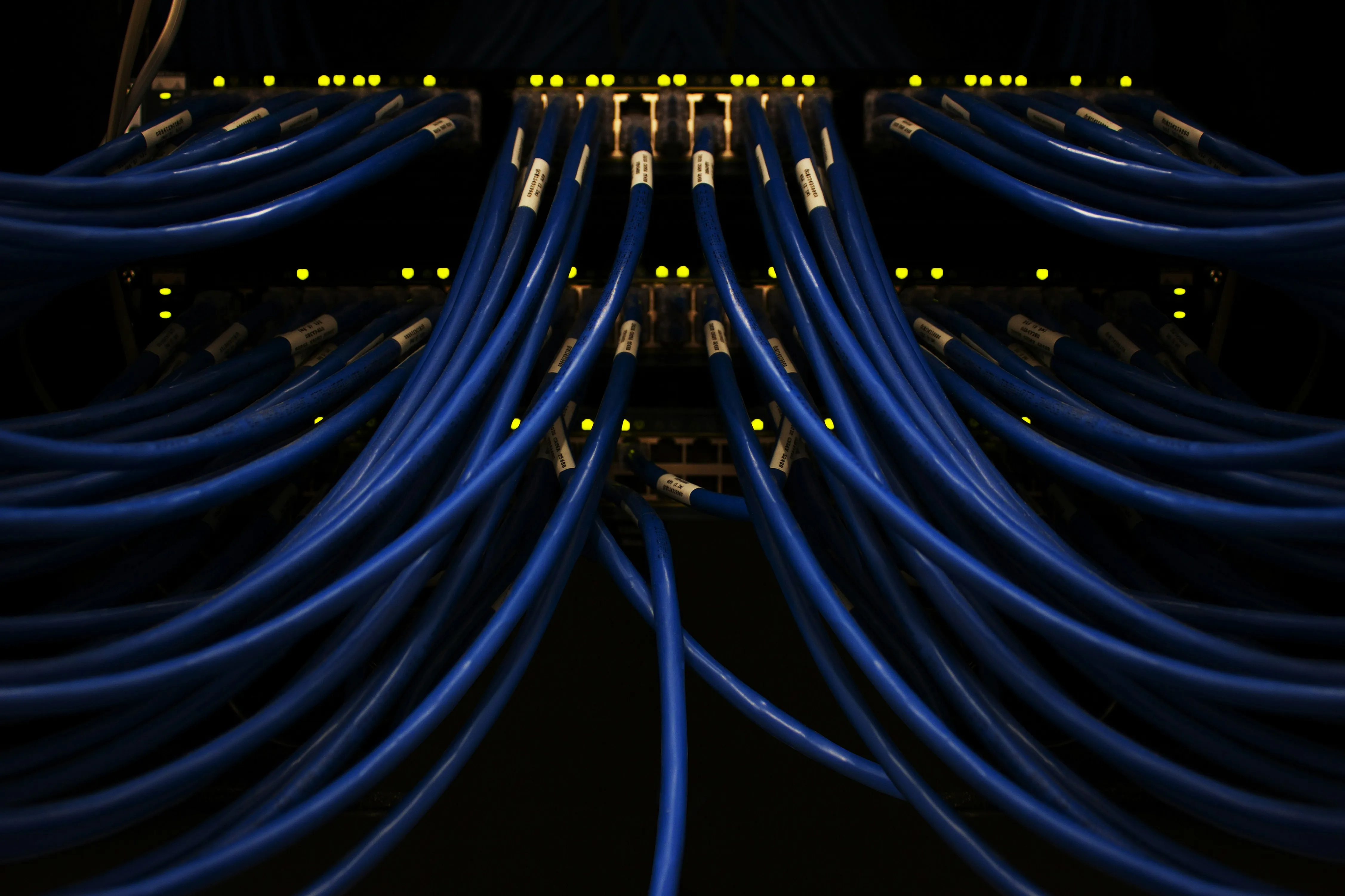
#1: LAN
What is a LAN? LAN (Local Area Network) refers to a local network that connects devices within a limited area – for example, in an office, a building or a data centre. A LAN enables computers, servers, printers and switches to communicate with one another and exchange data. In the past, LANs were often wired and relatively slow. Today, thanks to modern switches, fibre-optic cabling and high bandwidths, they are extremely powerful. A stable LAN forms the foundation of any professional IT environment – whether in a business or a home office.
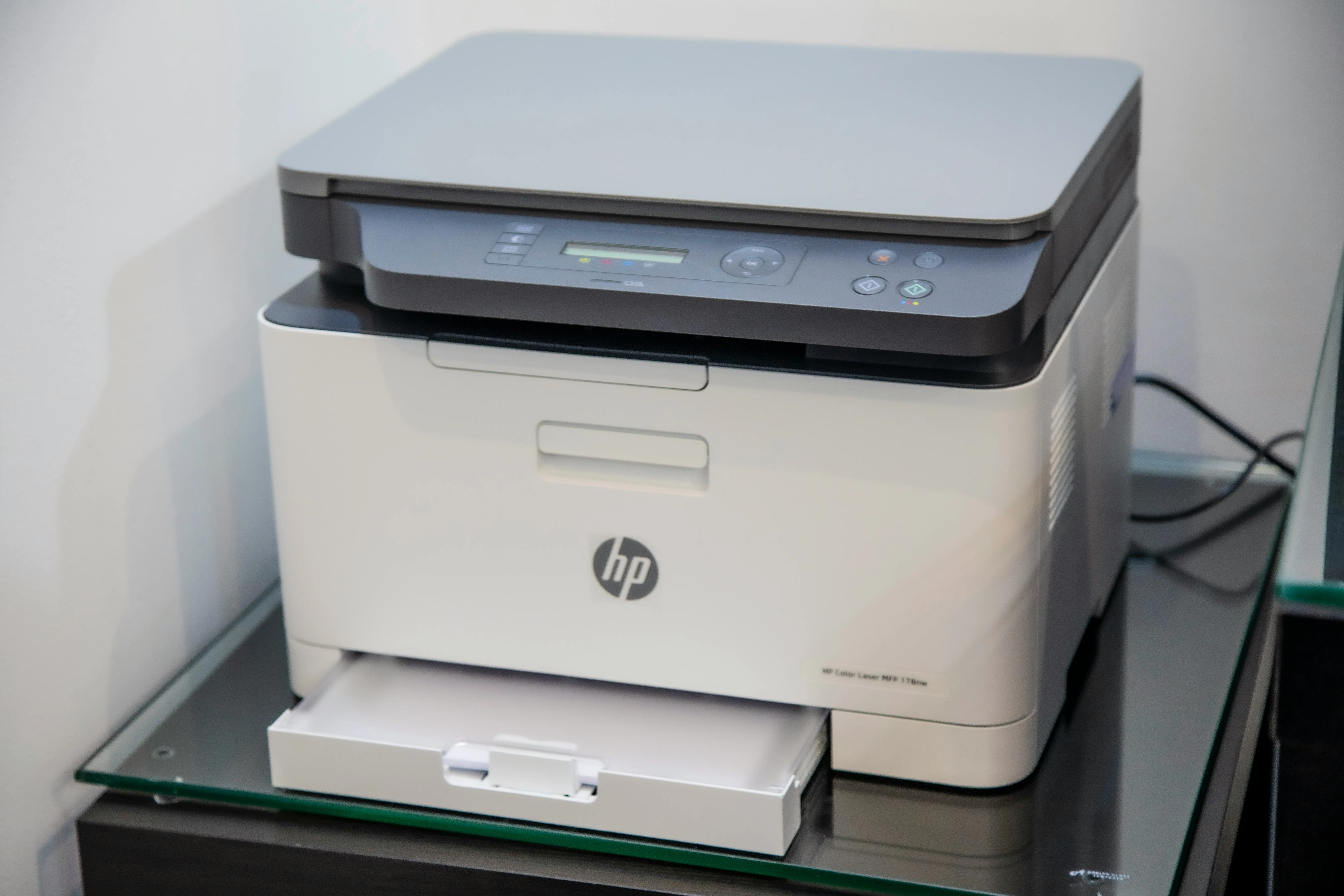
#2: Laser printers
What is a laser printer? A laser printer is a printer that does not use ink, but instead uses toner and a laser beam. This produces razor-sharp printouts that can be produced quickly and cost-effectively. Laser printers are particularly popular in offices, hotels, the catering industry and anywhere where large numbers of pages are printed on a regular basis. Compared to inkjet printers, they are more durable, require less maintenance and are significantly faster. Modern models also offer network connectivity, double-sided printing and energy-saving operating modes.

#3: Latency
What does latency mean? Latency describes the time it takes for a signal or data request to travel from A to B. The lower the latency, the faster a system responds. This is particularly important for online gaming, video calls, AI applications and server workloads. High latency is caused, for example, by long distances within the network, overloaded systems or poor cabling. Modern networks, fibre optics and optimised servers significantly reduce latency. Latency also plays a role in RAM: RAM has what are known as ‘CAS latencies’, i.e. the time it takes a RAM module to read a requested memory cell. The lower these values are, the faster the memory responds – which is particularly noticeable in server workloads, databases and virtualisation.
#4: Layer
What is a layer? A layer is a tier within a technical model or system. In IT, the term is frequently used in connection with the OSI model, which divides network communication into seven layers – from the physical cable to the application. Layers help to structure complex systems in a way that is easy to understand. Each layer has its own function and communicates with the layers above and below it. This makes it easier to identify faults and plan systems more effectively. When discussing network devices, we often refer to Layer 2 and Layer 3 switches: Layer 2 switches operate at the ‘MAC address level’ and forward data within a local network. Layer 3 switches can also route – that is, forward data between different networks or VLANs. In doing so, they take on tasks that were previously handled exclusively by routers.


#5: Link
What is a link? A link is a digital connection that leads to another website, file or resource. When you click on a link, you are taken directly to the destination. Links are the foundation of the internet – without them, the web would not be interconnected. There are text links, image links, buttons and internal links within a website. Good links are clear, work reliably and take the user exactly where they expect to go.
#6: Licence
What is a licence? A licence is permission to use software. It specifies how many devices or users are allowed to use the software and what rights you have. Examples include Windows licences, Office licences and server licences. In the past, licences were often sold as physical codes; today, they are mostly digital and linked to accounts or subscriptions. Important: Software must not be used without a valid licence – doing so may have legal consequences. Hardware can also have functions that require a licence: many storage systems require licences for specific features such as deduplication, replication or additional controller functions. Network switches also have licensing models – for example, for Layer 3 routing, advanced security features or additional ports. Without these licences, certain functions are simply not available.

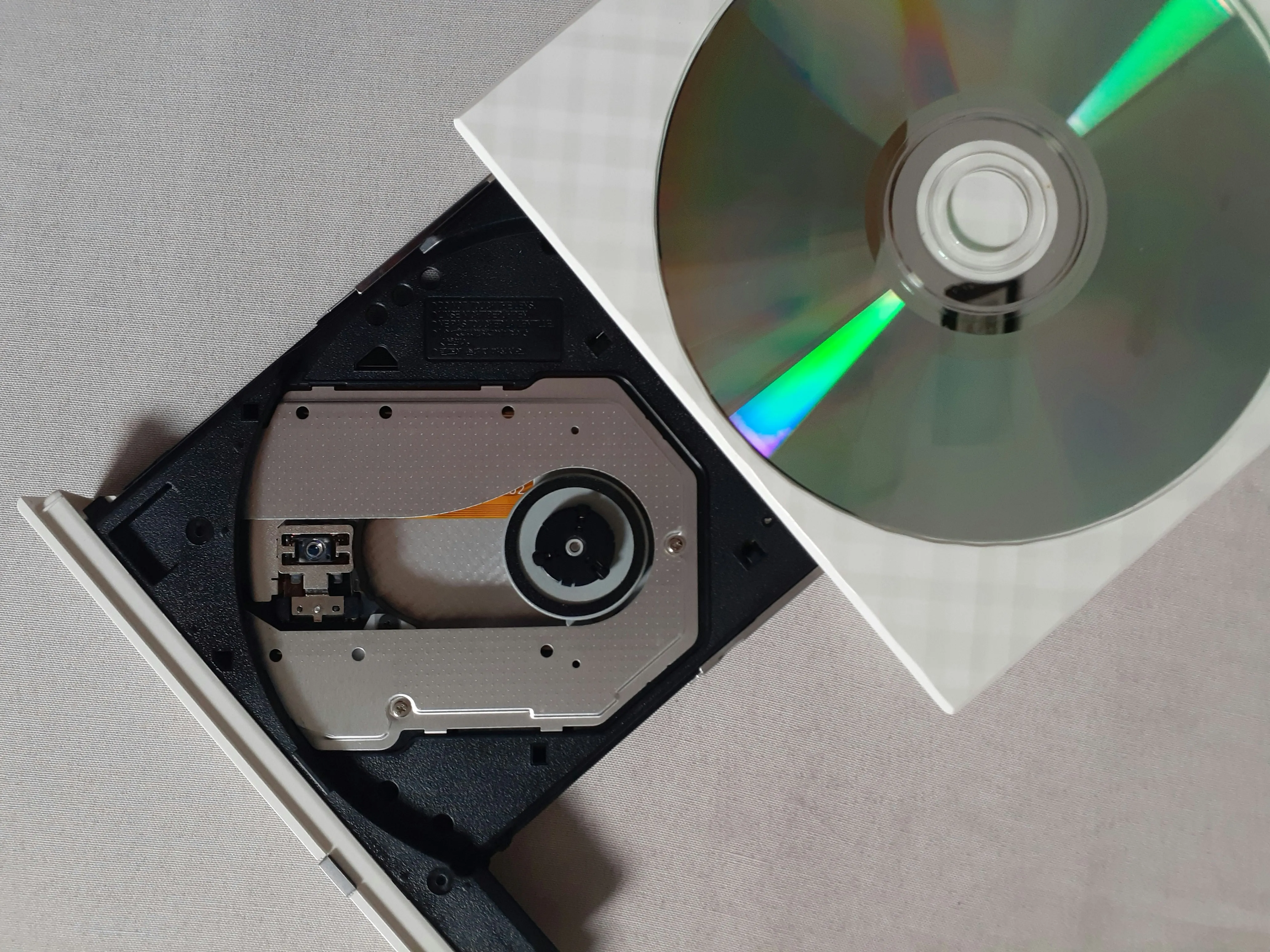
#7: ‘Laufwerk’ – what a drive is
What is a drive? A drive is a device that stores or reads data. In the past, these were CD, DVD or floppy disk drives. Today, they are primarily hard disk drives (HDDs), SSDs or NVMe modules. Drives are central components of every computer and server. Modern drives are faster, smaller and more reliable than earlier models. NVMe SSDs in particular offer extremely high speeds and are frequently used in AI systems, servers and workstations.
#8: Load Balancing
What is load balancing? Load balancing distributes the load – that is, requests, data traffic or computational tasks – across multiple systems. This prevents any single server from becoming overloaded. The result: faster speeds, greater stability and fewer outages. Load balancing is used wherever many users access services simultaneously: websites, apps, databases or cloud services. In the past, the load was often distributed manually; today, this is handled by intelligent systems or specialised hardware load balancers. However, load balancing does not only work between multiple servers, but also within a single system. Modern servers automatically distribute processes across multiple CPU cores, memory areas or services to ensure that no single component becomes overloaded. This keeps the system responsive and stable, even under heavy load.


#9: Linux
What is Linux? Linux is an operating system – or, to be more precise, a ‘kernel’ on which many different Linux distributions are based. In most cases, it is free, open-source and extremely flexible. That is why Linux is particularly common in servers, data centres, cloud environments and amongst developers. Whilst Windows and macOS are intended more for end users, Linux is the first choice for systems that need to be stable, secure and customisable. Well-known variants include Ubuntu, Debian, CentOS and Red Hat. Then as now, Linux is the operating system that powers most of the world’s servers behind the scenes.
#10: Load testing
What is load testing? Load testing assesses how well a system performs under heavy load. It simulates a situation where many users are accessing a website, an app, a storage system or a database at the same time. The aim is to find out whether the system remains stable or reaches its limits. Load tests are important before new applications go live – they prevent outages, ensure better performance and highlight where bottlenecks might occur.

More explanations for anyone curious about IT can be found here 😊: