


RAM upgrade in the server: What, how and when?
To improve the performance of your server, it can help to carry out a RAM upgrade. However, anyone who has ever upgraded the RAM on their server will know that a certain amount of expertise is required in order to avoid backing the wrong horse when selecting memory. In short: on the one hand, you need to know what is already ‘in there’ and, on the other, what ‘should go in’ - sounds simple, but can quickly become time-consuming for anyone who does not deal with the hardware on a daily basis. To save you this time, we have put together a small guide to memory expansion for servers.
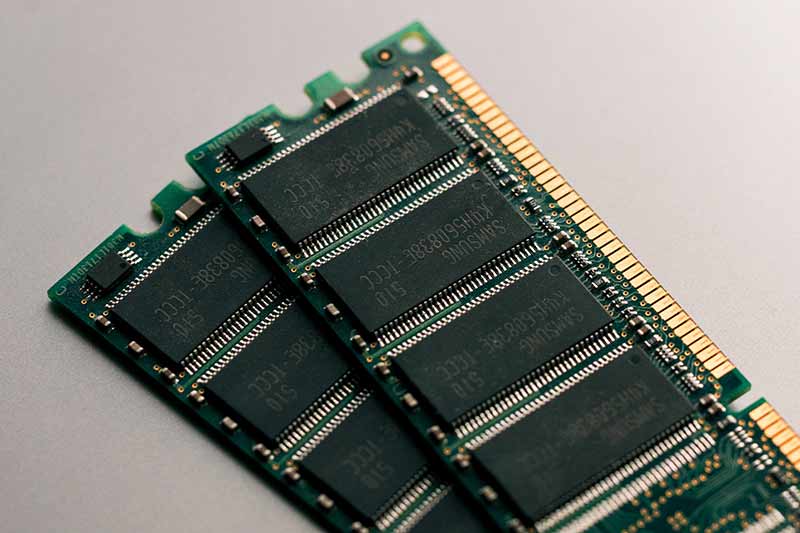
What is server RAM?
Let's start at the beginning - IT professionals can scroll on here 😉 - but for our beginners we would like to explain what is hidden behind these three letters. RAM stands for ‘Random Access Memory’ and for the ‘volatile’ memory of a computer. Hard disks and SSDs, for example, are assigned to permanent memory - data remains saved on them even when the PC is shut down - which is not the case with RAM. If no data is saved to RAM, what use is it anyway? The RAM ‘works’ for the CPU and ensures fast access to the data that is in use. The CPU and RAM are connected by a so-called ‘bus system’ on which the data is transported back and forth. In order to be able to provide particularly frequently used data more quickly, the RAM module has a ‘cache’ (also known as cache memory) on which this data is stored for a short time.
When does a RAM upgrade make sense for a server?
We now know that RAM acts as a kind of ‘accelerator’, e.g. to make data available more quickly.On a PC, it can be enough to run many programmes at the same time to slow it down - a RAM upgrade can help.In the case of servers, too, an extremely high number of accesses to large amounts of data can cause the device to slow down and suddenly take a long time to provide them.To improve server performance, the RAM can be expanded.This increases the productivity and efficiency of the server and therefore also of all employees who access its data and programmes.
In addition to CPU, storage and network, the RAM of a system is also crucial in the virtualisation sector. The more RAM the platform offers, the more virtual machines (VMs) can run on it simultaneously and the more effectively the workloads can be distributed.
The RAM expansion offers a number of advantages: instead of purchasing more systems, the available servers can be optimally scaled according to requirements. Most users do not fully utilise the potential of their server systems, are annoyed by long loading times and data bottlenecks, but could quickly improve this with a RAM upgrade.In contrast to buying a server, an upgrade not only saves space, but also a lot of money - because many RAM modules can be purchased very cheaply, especially second-hand.
Can I install a PC RAM in a server?

No - please do not try this, it will very probably lead to problems. Server memory modules have an additional chip (ECC memory / Error Correction Code) compared to the PC RAM bars. This chip can recognise memory errors and even correct them if necessary. When purchasing RAM modules, you should therefore check in advance whether the mainboard and the processor support ECC bars, for example. RDIMM (Registered DIMMs) and LRDIMM (Load Reduced DIMMs) also do not fit in conventional desktop PCs and only in certain workstation models due to additional buffer chips.
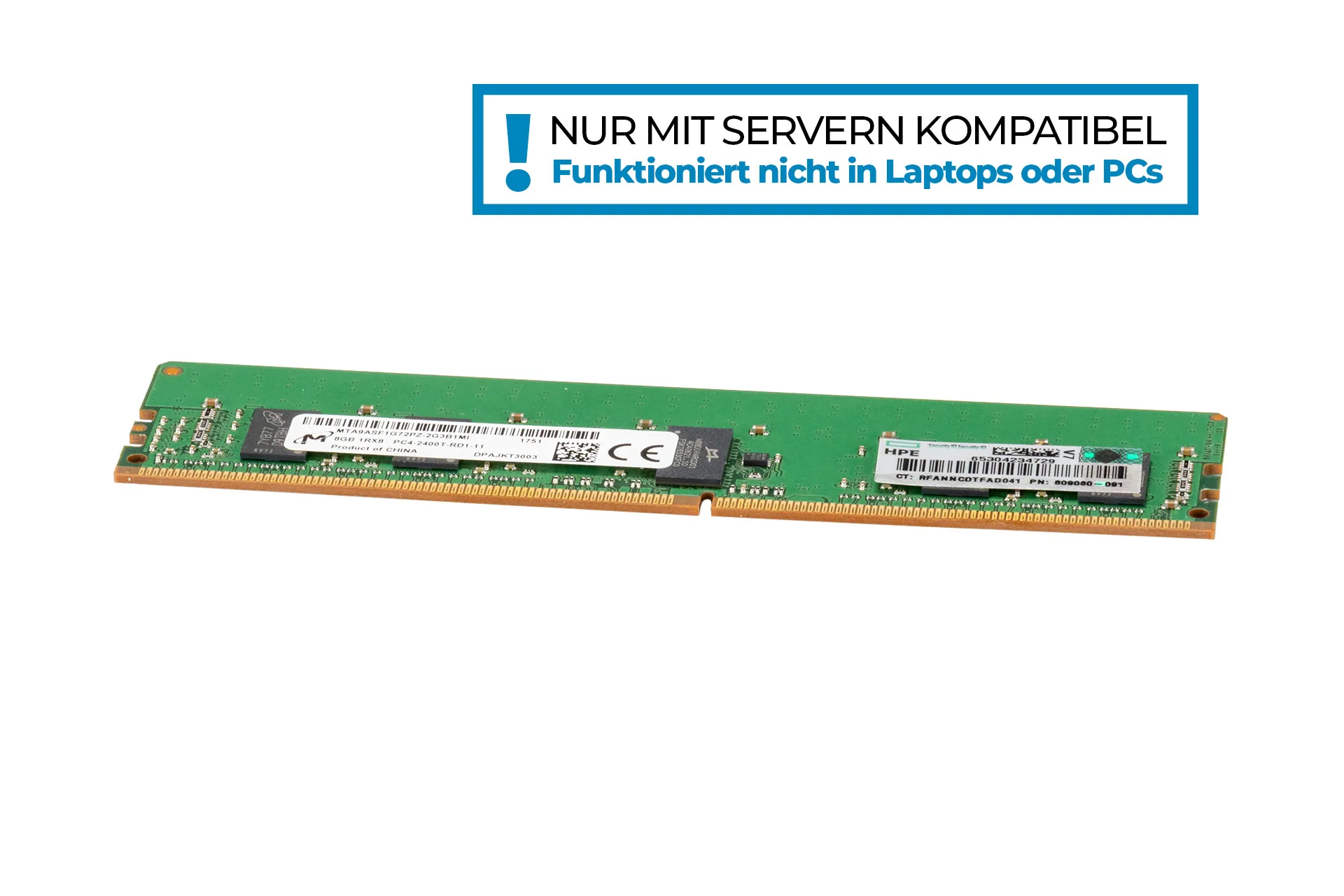
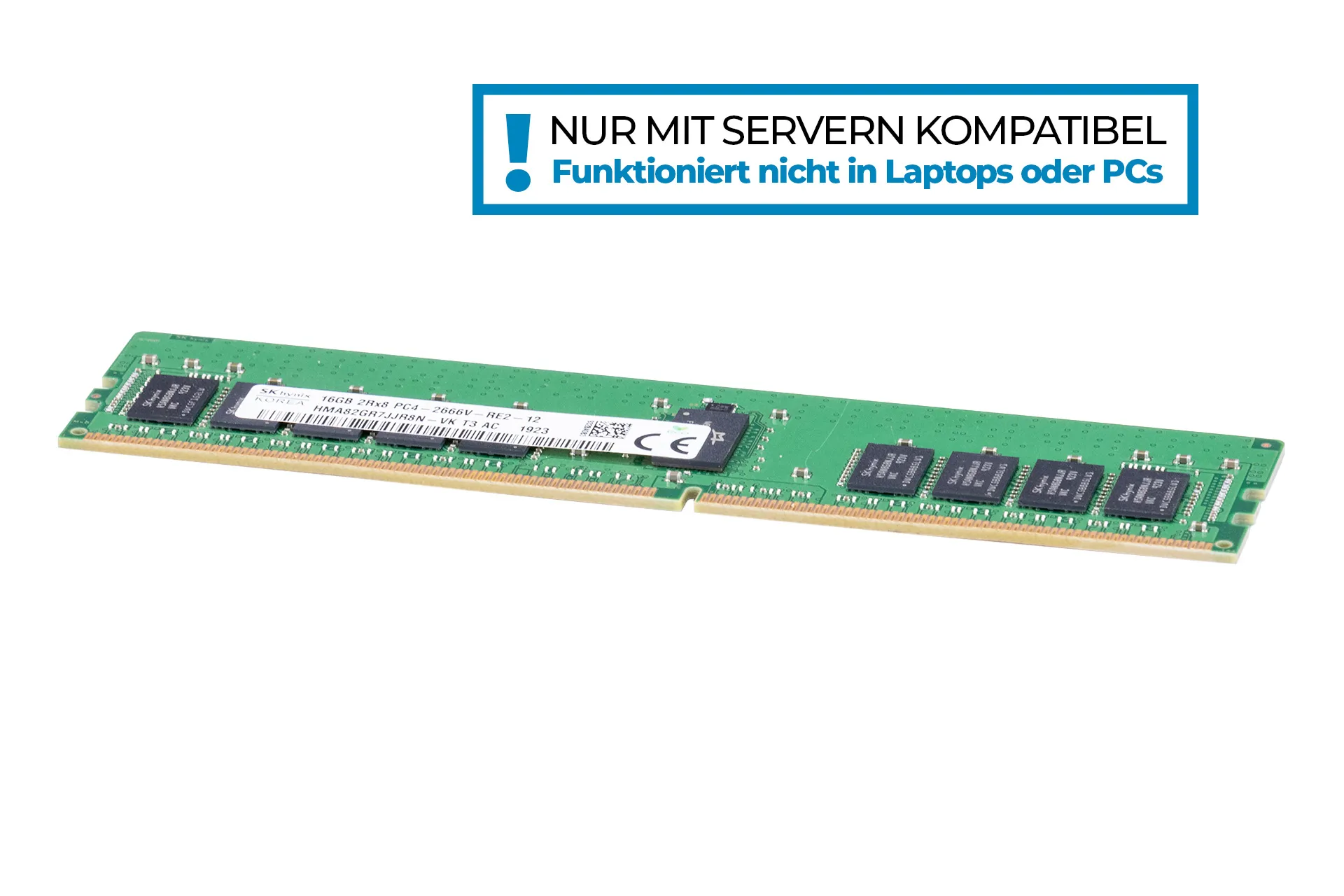
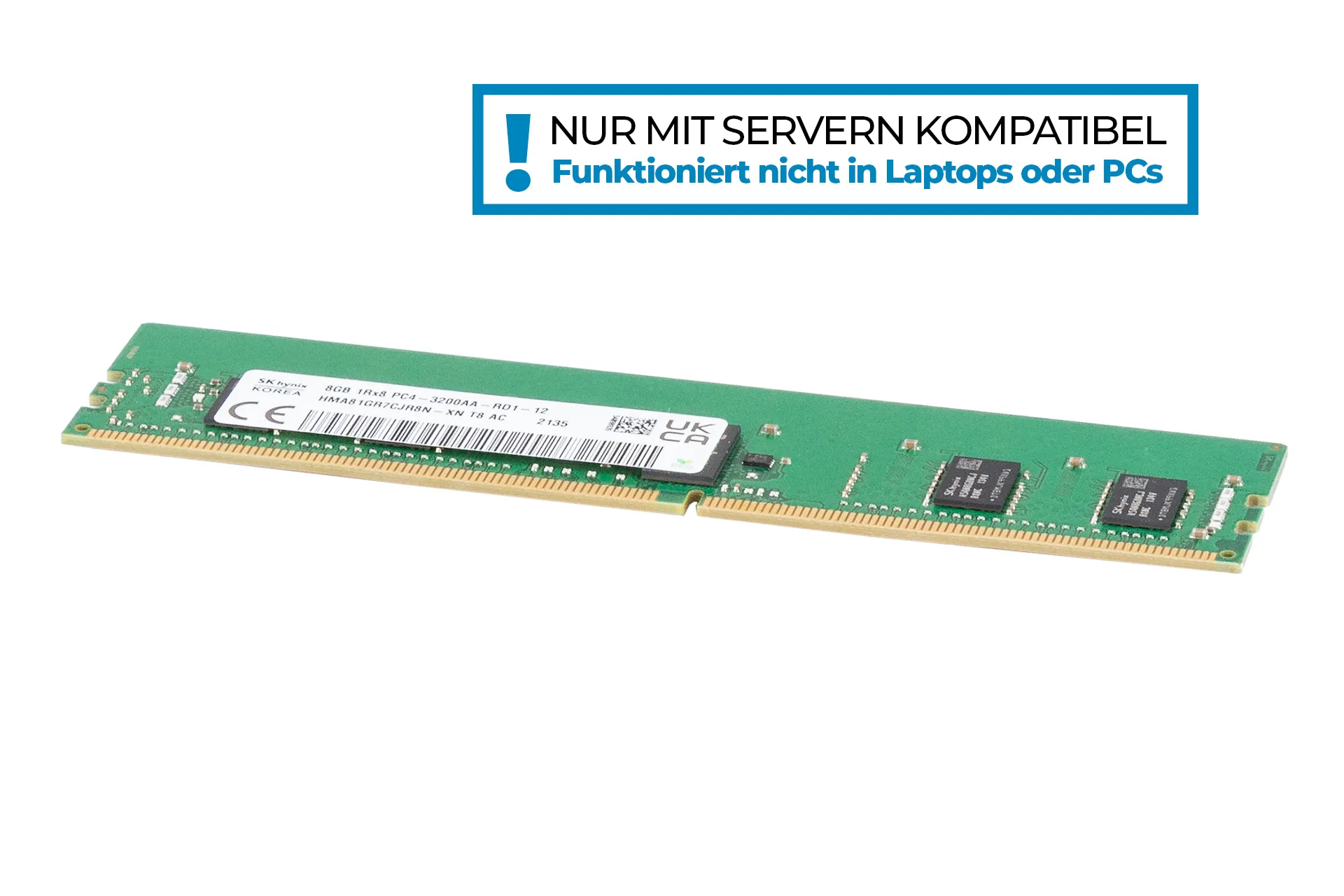
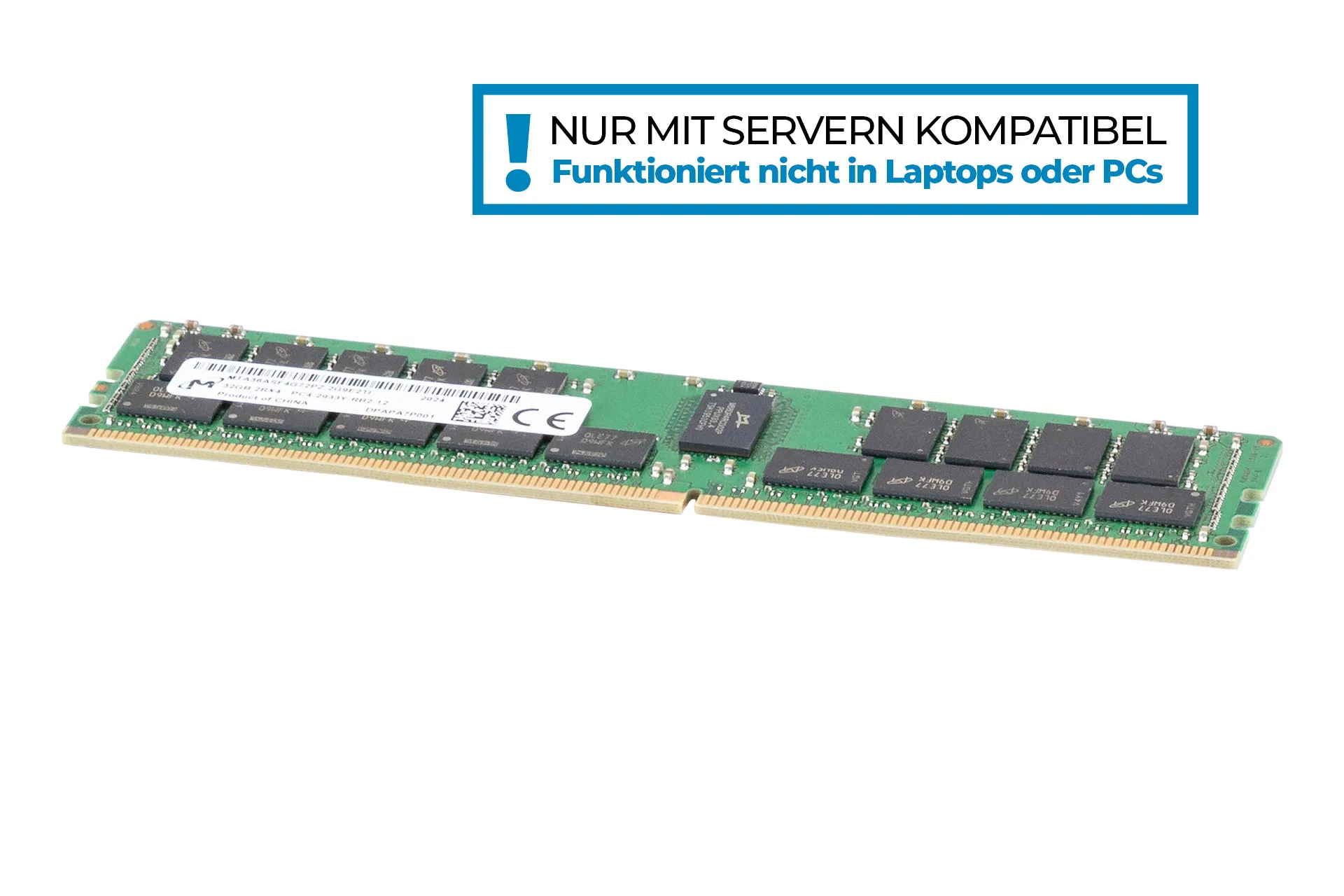
To make it clear which modules run in a server and which, for example, in PCs, we also label our server RAM modules as such in each item description in the Serverando shop. RAM for servers (DDR3 or DDR4) can be found in the category: https://serverando.de/Komponenten/RAM/
For “rough support” here is a small leaflet:
| Abbreviation | Meaning | Use |
|---|---|---|
| SODIMM | Small Outline Dual Inline Memory Module | The ‘small’ modules for notebooks |
| DIMM | Dual Inline Memory Module | ‘ordinary’ DIMM modules for desktop PCs |
| UDIMM | Unbuffered Dual Inline Memory Module | ‘unbuffered’ DIMM module for PCs (NON-ECC) |
| NON-ECC | NON-Error-Correction-Code | Without error correction for the PC area |
| ECC | Error-Correcting-Code | ECC modules for the server area |
| RDIMM | Registered Dual Inline Memory Module | Works with registers in the server area |
| LRDIMM | Load Reduced Dual Inline Memory Module | ‘Relieving’ module for the server area |
Which RAM modules fit in my server?
We now know that non-ECC or SODIMM modules have no place in a server 😉 But how do I find out which memory modules will fit in my server? Of course, there is a wide range of suitable RAM modules for the different series, generations and models of servers. However, even if the module itself is compatible, this does not automatically mean that the different modules will run together. We therefore recommend going through the checklist:
RAM upgrade checklist: What do I need to consider?
- Server inventory check
- Check the maximum configuration of the supported total memory and the individual modules in the respective manufacturer data sheet or in our product descriptions - so you know how much RAM can still be installed and what maximum size the modules may have
- The data sheet also (often) contains information on which modules (e.g. DDR4) can be installed with which clock rate and how they must be plugged in (e.g. 24 DIMM slots, 12 per CPU, 2 per channel). This information is also often provided on the ‘lid’ (inside) of your server - with a picture of how the memory slots are best occupied
- Also check on the device how many slots are already occupied - and which modules have been installed (an exact designation is required here, e.g. 4x 64GB 4Rx4 PC4L-2400 ECC) Part numbers of the modules are also helpful
- Think future-orientated when upgrading
- As with buying a server in general, you should also think ahead when upgrading your RAM. If the server performance is already at its limit with 128GB, an 8GB upgrade probably won't really get you anywhere - especially if the device can be scaled to more than 1TB RAM
- In the server sector, the following also often applies: capacity before clock rate and memory bandwidth (especially when it comes to database applications).You should therefore opt for modules with sufficient capacity
- Clever assembly for optimum bandwidth? This is usually only the case if all DIMM slots are equipped with RAM modules - however: for overall performance, it is usually better to use fewer modules with a large capacity than a complete assembly with low-capacity modules
- Buy server RAM modules
- Used is cheaper than new - to save your IT budget and expand your servers at low cost, you should opt for refurbished hardware. The modules are as good as new and have also been tested for functionality. If you have the opportunity, you can compare the modules using the manufacturer's part numbers (e.g. 805358-B21 / HP or HMA84GR7AFR4N-UH / Hynix) to find the most favourable offer
- Stay with the same manufacturer and type - ensures error-free co-operation between the storage units.Different memory sizes of the same type are not a problem.The manufacturers can also often be ‘mixed’, but this can often lead to annoying error messages
- Rely on professional hardware from hardware professionals - because even if you are sure that the module matches the server model, the mainboard, the CPU and the other installed RAM modules, a mistake may still have crept into the configuration or a transposed number in the P/N may lead to a completely different module.Experienced IT refurbishers like us can help you to find out the compatibilities - and also make purchase offers for previous incorrect purchases
Inexpensive RAM modules for your server
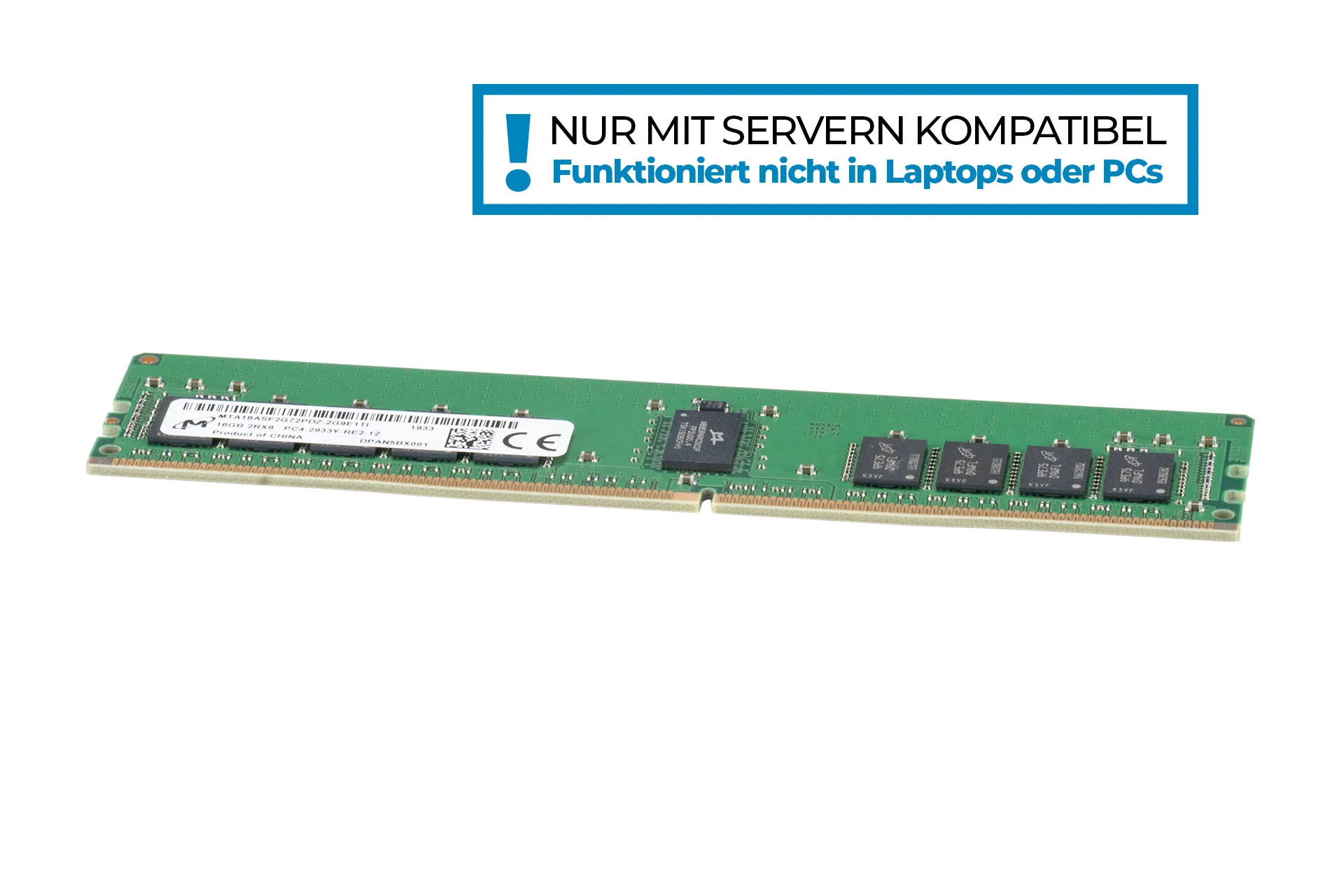
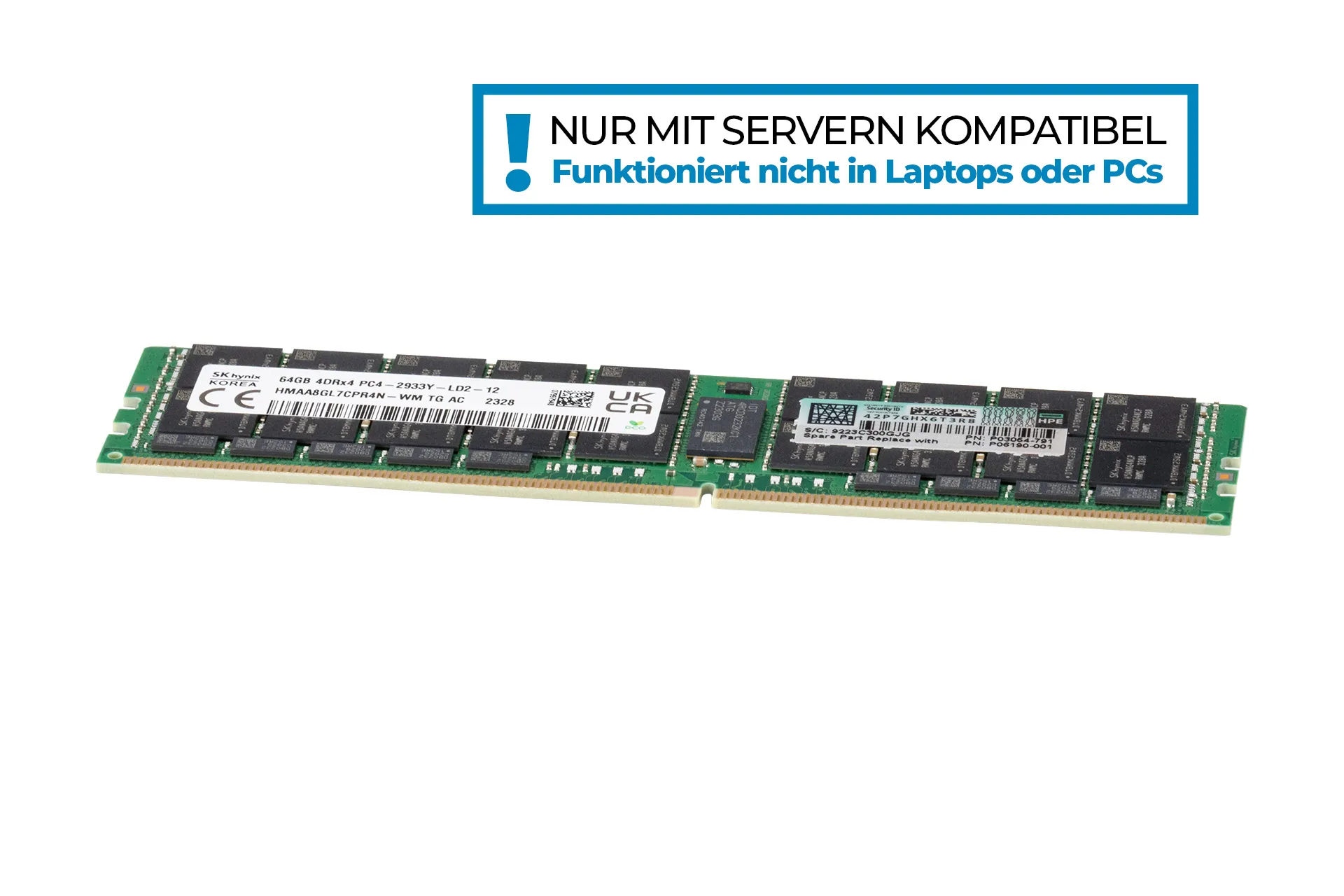
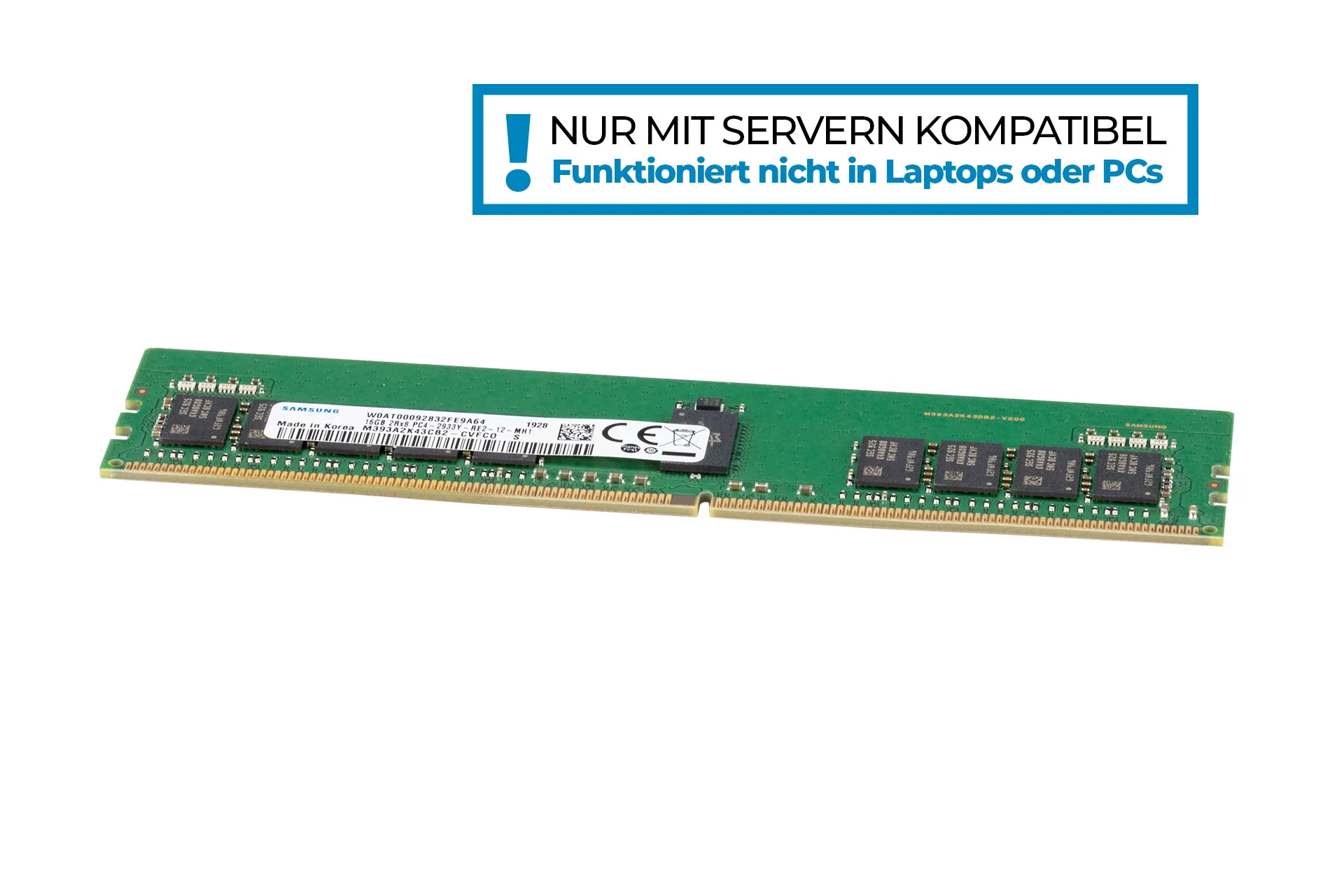


Available, delivery time 1-3 days

Available, delivery time 1-3 days

Available, delivery time 1-3 days



Available, delivery time 1-3 days
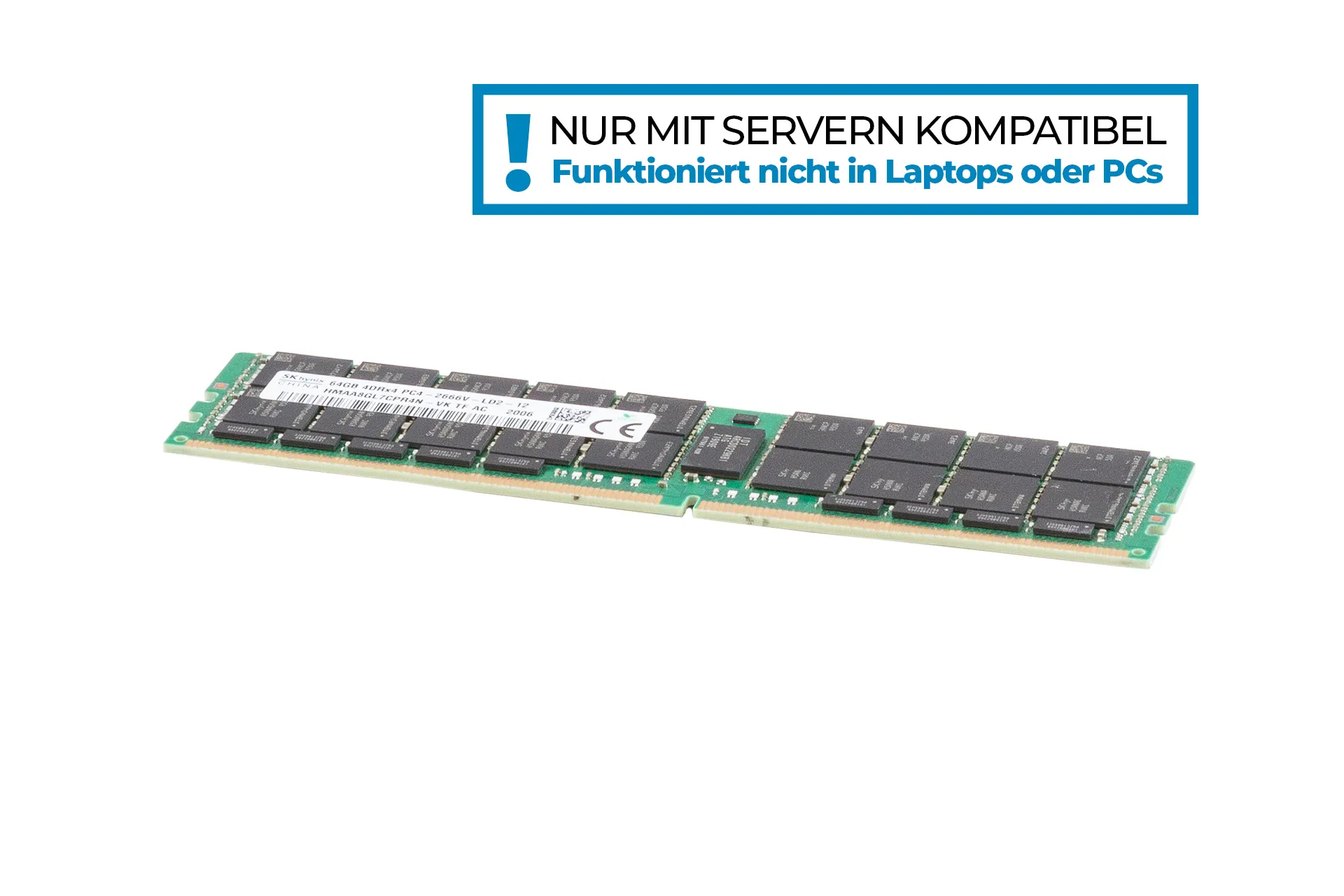
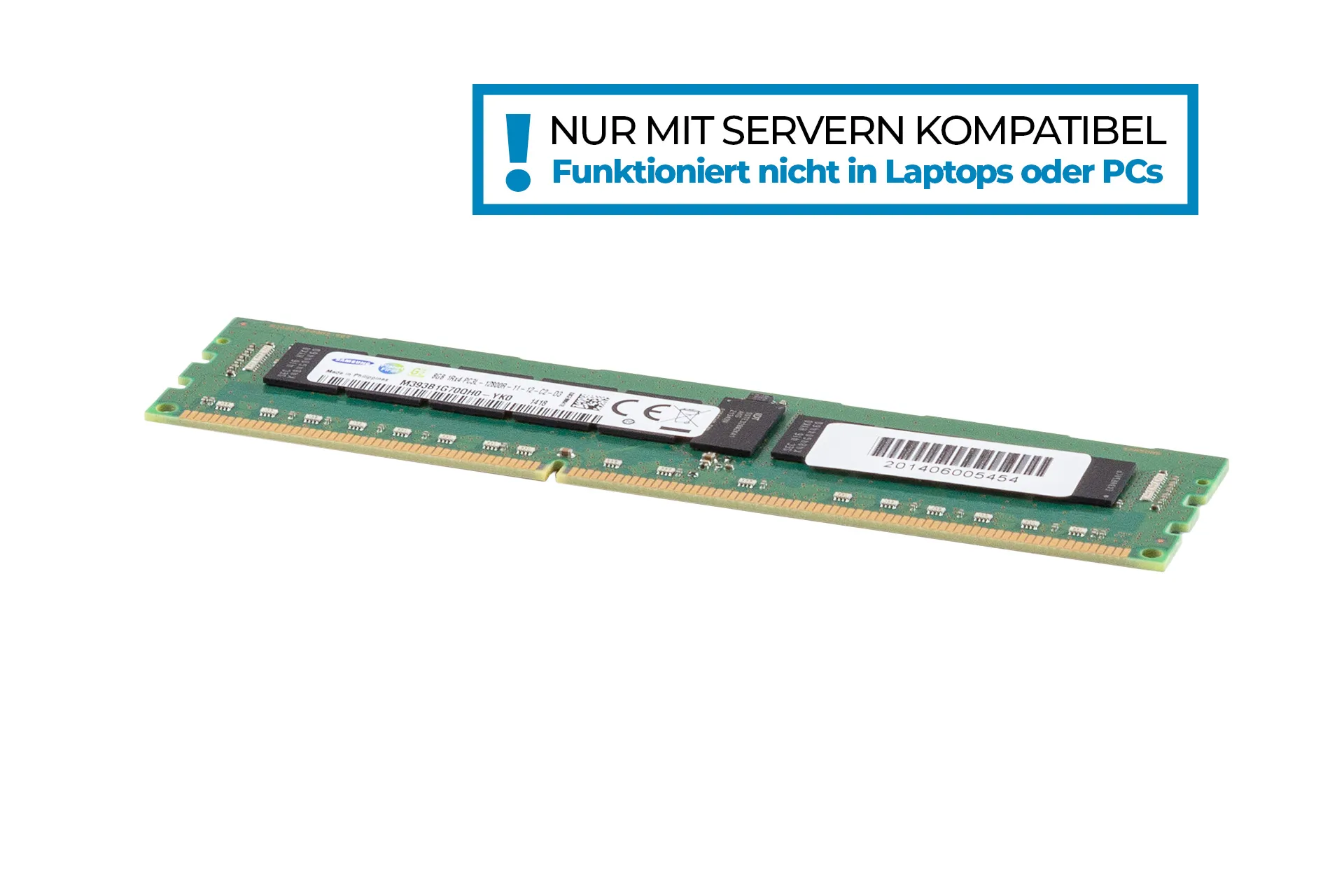


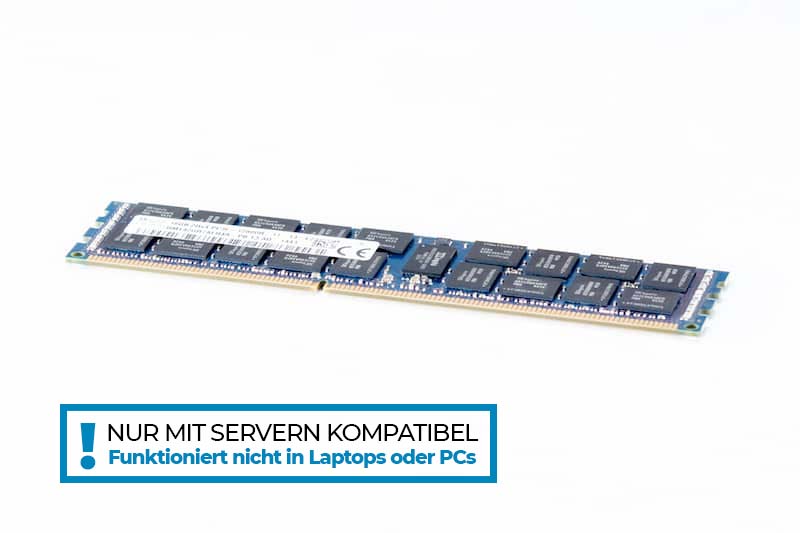

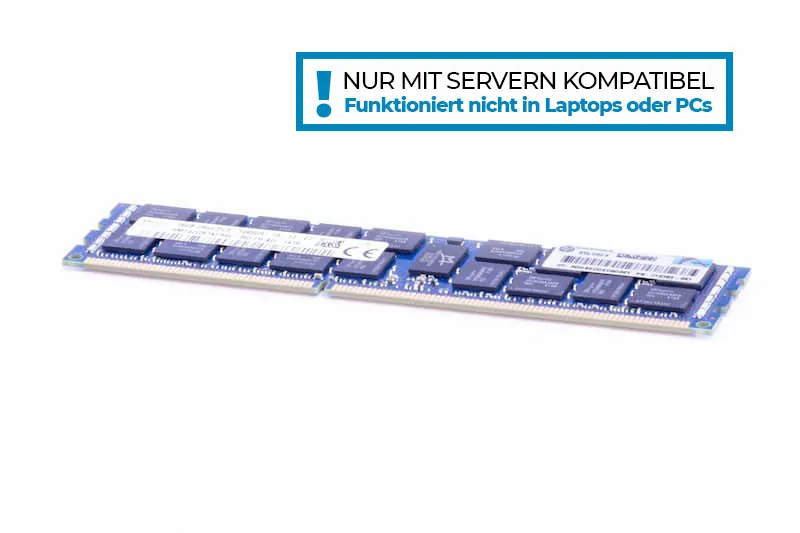

Available, delivery time 1-3 days
FAQ on server RAM
To round off our RAM guide, here is a selection of the most frequently asked questions with answers:
Is your hardware still not running smoothly despite a RAM upgrade?Perhaps it needs a ‘detox cure’ - you can find our blog post on the topic of ‘Data waste & digital recycling’ here: Detox for smartphones, computers & tablets: Digital recycling