Server sizing - What configuration do I need for my rack server?
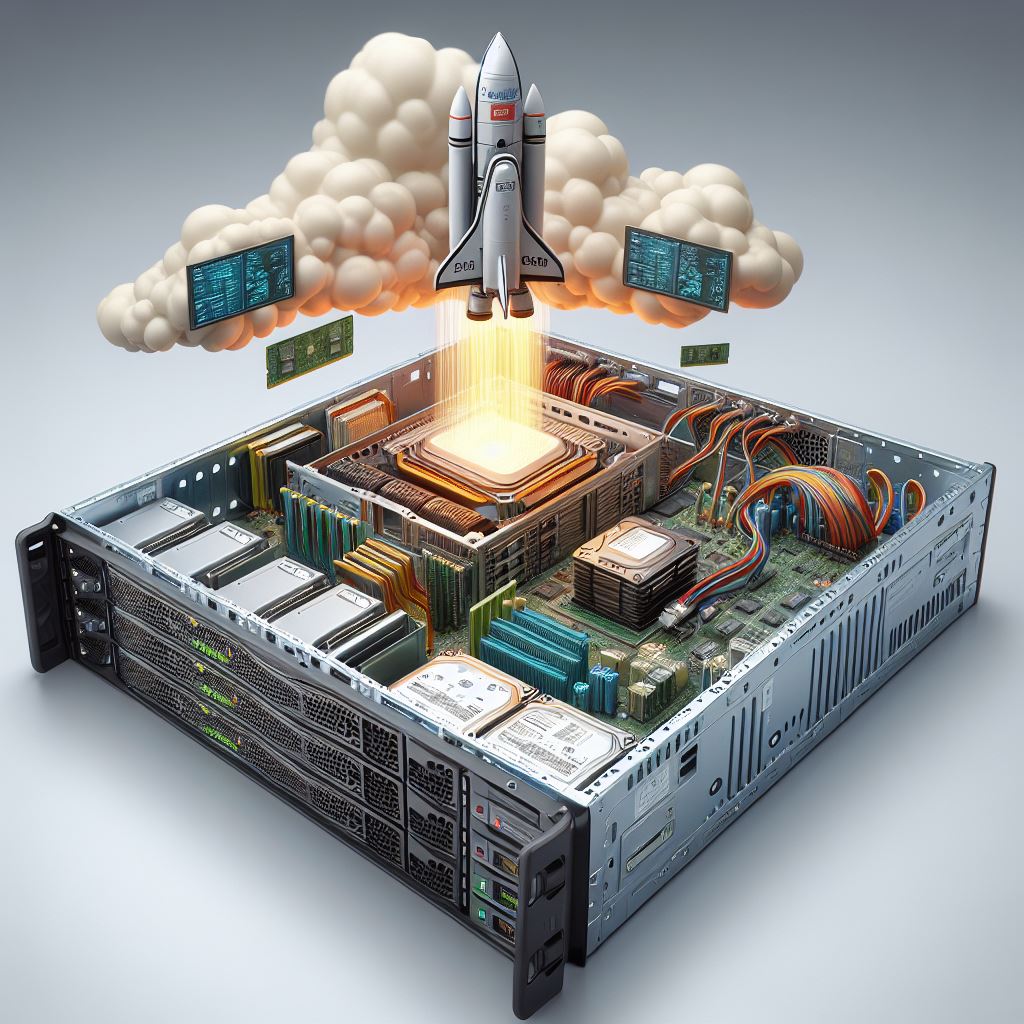
We are continuing our big ‘server special’ of blog posts and this time we are looking at the topic of server sizing - i.e. the selection of CPU, RAM and storage, for example, to make a server as fast and powerful as possible. In addition to reliability, availability and the right chassis, the performance of the server plays a very important role. One thing up front: unfortunately, we cannot ‘determine’ which sizing is optimal for your requirements - but we can give you some basic knowledge so that you can discuss this with your IT consulting advisor or system house. We hope you enjoy reading this report.
The optimum system with outstanding performance - achievable with ‘off-the-shelf’ products?

The best way to do this is to seek advice from an IT system house, an IT consulting company - or if this department exists in your company - from internal IT administrators and work out the required configuration together.
Server sizing - basic knowledge for buying a new server
To give you at least a rough overview of server sizing and avoid having to venture into completely unfamiliar territory when buying a new rack server, here are a few useful tips: The most important thing is to have a clear idea of the requirements and intended use of the server system. What benefits should the hardware have for you? For example, do you want a system that can store large files and be accessed by (certain) employees - or do you need a powerful computer for your database? Here is a small selection of servers according to purpose:

Configure database server
A database server is a machine on which the database system is stored. The server provides data management services - the information can be accessed by clients (e.g. employee PCs). The amount of data to be transported is usually rather small, so a pure database server usually does not need the large hard drive capacities of a file server, but benefits from a large main memory, as the application data is often cached and the clients are served from the cache. A powerful processor is also an advantage - although it does not necessarily have to be a quad-core machine, depending on the size of the database. To ensure a certain degree of scalability, rack servers are predominantly used here. As far as the hard disks are concerned, it can be very useful to place the operating system on fast SSDs, preferably in a RAID set, so that if an SSD fails, the server can continue to run using the replacement disk(s). The database should also be separated from the log files (the transaction log of the database, in which changes are recorded, for example) on the hard disks or the RAID set - in the event of a failure, recovery measures can be initiated if necessary. Other factors, such as the number of users and transactions or the database structure, are decisive when it comes to the configuration. As the database (e.g. a CRM, warehouse or merchandise management system) is an extremely important asset in the company, the availability and stability of the server should be guaranteed - which is why it is also important to rely on high-quality parts from the professional sector, longevity and redundancy.
Configure domain controller
The configuration of the domain controller must be less high-end - as neither an extreme load (e.g. due to user requests) nor a particularly large hard disk capacity is required here. This server is intended more for ‘administration’, as its task is to authenticate user requests in a computer network at a central location and to verify computers/clients. Even if this is only a supposedly small task, the domain controller should only perform this service - there is a tendency to pack other tasks onto the device. However, this can lead to problems with the availability, security and stability of the system. Redundancy, reliability and a backup solution are also mandatory here. This is because the DC virtually ‘checks’ the logins on the respective domain and decides whether or not to grant someone access - if this does not work, cyber criminals can access the network unhindered. Good DC security is also important in terms of software.
Configure web server
A web server is used, for example, to provide websites or files via the internet. Depending on how important the availability and speed of the content provided is, or the other (similar) sessions that run on it, the higher the configuration of the server(s) must be. The number of interactions that can run in parallel on the web server depends on their nature. As the systems do not carry any data that needs to be constantly retrieved and processed by employees or backed up at a central location, they do not require a particularly high internal hard drive capacity. Usually 1U rack servers are used for this purpose. Such as the HP ProLiant DL360 series.